Short answer: Multi-zone background music lets different parts of a venue use different music or volume at the same time. Create a separate zone only when two spaces have conflicting listening needs—for example, an energetic gym floor beside a speech-heavy reception. If spaces can share the same mood and level, keep them together.
This guide helps operators plan zones before buying more hardware or creating more schedules. The useful question is not “How many rooms do we have?” It is “Which spaces need different sound at the same moment?”
For a salon, the reception-to-reset music plan turns that zone map into a staff routine.
For a fitness venue, use the gym zoning plan to separate reception, floor, classes and recovery. For uneven sound within one room, check ceiling speaker coverage before creating another zone. If one zone falls silent while others continue, follow the music buffering diagnosis.
Quick zone decision table
| Question | Keep one zone | Split into zones |
|---|---|---|
| Activity | Spaces do similar work | Activities conflict |
| Speech | Similar conversation needs | One area must protect speech |
| Timing | Energy changes together | One area changes while another must hold |
| Ownership | Same team controls both | Different teams need bounded control |
| Acoustics | Sound carries evenly | Walls, doors or distance create clear separation |
A separate room does not automatically need a separate soundtrack. More zones add more decisions, so every split should solve a visible problem.
What is a background-music zone?
A background-music zone is a group of speakers or a room controlled as one listening area. A zone has its own practical requirements: what should play, how loud it should be and who may adjust it. Several physical rooms can share one zone if their needs remain aligned.
Business-music providers position central visibility and location control as common category features. Rockbot describes central control across locations, and Soundtrack describes business scheduling and account roles. Treat those pages as market context, not instructions for your exact building.
A bingo hall also needs explicit stop and restart ownership: use the caller and background-music handover alongside the zone map.
Step 1: walk the customer and staff paths
Draw a simple plan of the venue. Mark where people enter, wait, ask questions, browse, receive a service, train, eat and pay. Then mark doors, corridors and speakers.
At each point, answer four questions:
- What are people doing here?
- How important is clear speech?
- Does the space need to change energy at a different time?
- Who notices first when the sound is wrong?
This creates a needs map. It prevents an equipment-first design in which every room becomes a zone simply because the system allows it.
Step 2: group compatible spaces
Combine spaces that can comfortably share the same sound. A boutique's entrance and main browsing floor may work together. A small café's counter and seating may also share one zone if the speaker layout is even and conversation remains easy.
Split spaces when simultaneous needs conflict:
- a salon reception handles consultations while a service area can be warmer and more immersive;
- a gym reception takes enquiries while the open floor needs more energy;
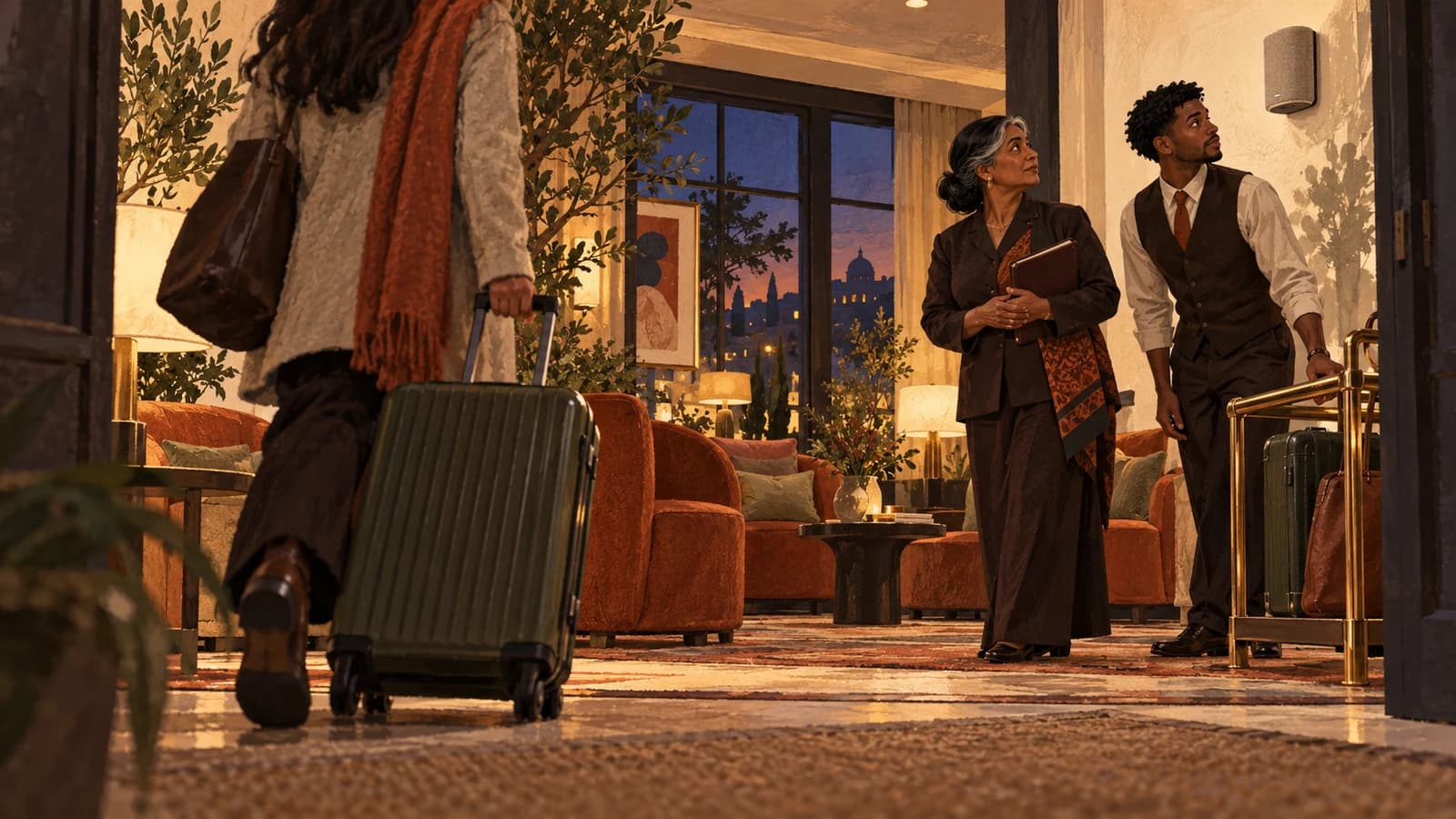
- a hotel lobby, breakfast room and evening lounge change at different times;
- a restaurant dining room and private event space host different activity;
- a shop floor and checkout area need different speech protection.
The general business music dayparting plan handles time. Zoning handles simultaneous difference. Do not confuse the two.
A campus needs an ownership record as well as a zone map; the university music-use inventory separates ordinary areas from society and event sources.
Step 3: write a job for each zone
Use one sentence per zone. “Reception: welcoming and low-interruption, with normal consultation speech protected” is better than “chill music”. “Main floor: more motion than reception, but instructions remain audible” is a testable gym-floor job.
Then record:
- approved vibe range;
- normal volume reference;
- speech or instruction to protect;
- opening and peak checks;
- fallback when a speaker or connection fails;
- person responsible for adjustments.
If a zone cannot be described without three paragraphs, simplify it. Staff need a rule they can use during service.
Step 4: check sound spill between zones
Two controllers do not guarantee two listening experiences. Stand at the boundary with both zones playing. If competing rhythms reach the same seat, corridor or reception point, lower one area, change speaker direction or reconsider the split.
Pay particular attention to:
- open doorways;
- staircases and atriums;
- treatment rooms beside reception;
- checkout points near the main floor;
- low ceilings and reflective surfaces;
- staff positions where multiple feeds overlap.
This guide is not an acoustic design specification. Complex buildings, fixed installations or persistent spill may need a qualified audio professional.
Step 5: protect speech-heavy zones
Reception, ordering, checkout, consultations and safety instruction take priority over atmosphere. Run a listening check from the customer's position rather than the manager's desk. If people repeatedly lean in, repeat information or raise their voices, correct the level or the zone design.
Use the venue volume checklist at opening and during peak trade. Do not rely on one setting tested in an empty room.
Step 6: define control without creating chaos
Give each zone one owner per shift. The owner does not need unlimited choice; they need clear authority to make approved vibe or volume changes and to report recurring problems.
A compact rule might be:
- manager defines the approved zone jobs;
- shift lead may adjust vibe and volume within those jobs;
- staff do not replace the source with personal accounts;
- one unsuitable track is logged or blocked rather than triggering a full redesign;
- repeated spill or speech problems go into the weekly review.
The staff music policy template provides a copyable version.
How Sonosfera fits a multi-zone plan
Sonosfera's current product copy says one phone can show every room, switch the vibe and set volume. It plays to Chromecast, Nest and Cast-group speakers the venue already owns. That supports a room-by-room operating plan without claiming to replace speaker design or professional installation.
The remote is described as vibe and volume control, not remote playlist picking. Keep that boundary when briefing staff. For venue-specific starting points, see music for salons, music for restaurants, music for gyms or music for retail.
Frequently asked questions
How many background-music zones does a venue need?
Use the fewest zones that resolve simultaneous conflicts. A small venue may need one. A reception beside a high-energy room may need two. Count different listening jobs, not walls.
Can several rooms share one music zone?
Yes, if they need the same mood and volume at the same time and sound reaches them evenly. Split them only when activity, speech, timing or ownership genuinely differs.
Does every zone need a different playlist?
No. Zones can use related vibes and differ only in volume. A coherent venue often sounds better when rooms feel connected rather than behaving like unrelated businesses.
Can Sonosfera control room volume from a phone?
Sonosfera's current product page says its remote can show every room, switch the vibe and set volume. It does not present remote playlist picking as part of that control.
Start with the needs map
A useful multi-zone background-music plan begins with people and activity: map the room, group compatible spaces, split genuine conflicts and protect speech. Add technical complexity only when the needs map justifies it.
Try Sonosfera with your room map, or check the current plans for your number of locations.
Sources
- Rockbot: Music for Businesses — checked 2026-08-19.
- Rockbot: Smart Scheduling Features — checked 2026-08-19.
- Soundtrack: How It Works — checked 2026-08-19.