
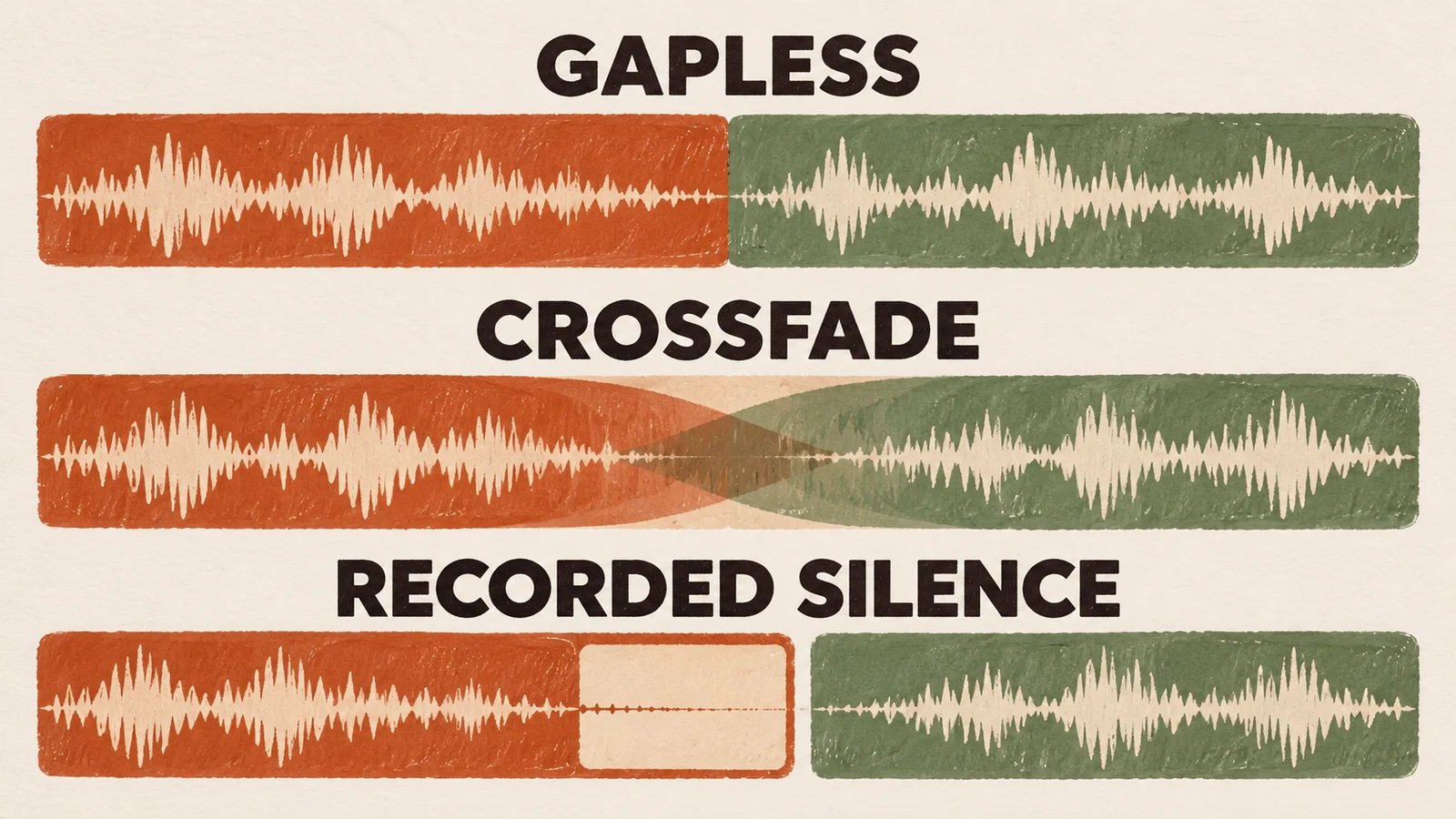
Short answer: Gapless playback joins consecutive tracks without adding a playback gap at their boundary. It does not necessarily remove silence already recorded into a track, and it is different from crossfade, which overlaps the outgoing and incoming songs. DTS Play-Fi's gapless explanation explicitly distinguishes added silence from silence inherent in the tracks.
If a pause remains, identify which kind it is before changing settings. A deliberate ending, an inserted playback gap, an output-path limitation and a network interruption need different fixes. Start with a boundary that is intended to be continuous, then compare the same material through the actual player and output you use.
Separate recorded silence, a playback gap and crossfade
Listen to what happens at the end of the outgoing track and the beginning of the next. Does the recording itself fade to silence? Does a continuous passage stop and restart? Do both songs overlap? Those observations establish the transition you are hearing. A playlist made from unrelated recordings may contain quiet endings even when the player adds no gap.
| What you hear | What it may mean | Useful next check |
|---|---|---|
| The outgoing recording becomes silent before its end | Silence or a fade within the recording | Compare that recording through another suitable path |
| A continuous album passage stops at a track boundary | A gap introduced somewhere in playback | Keep the tracks and order fixed; compare the player/output |
| Both songs are audible together | Crossfade or another mixing behaviour | Check the transition settings on the actual path |
| A pause happens mid-track or varies between attempts | A separate playback interruption | Investigate source and connection reliability |
Use the crossfade guide if you want a deliberate blend. It answers how overlap changes a transition. Gapless answers a different question: whether the player preserves an intended boundary without inserting time between the tracks.
Use a boundary that should be continuous
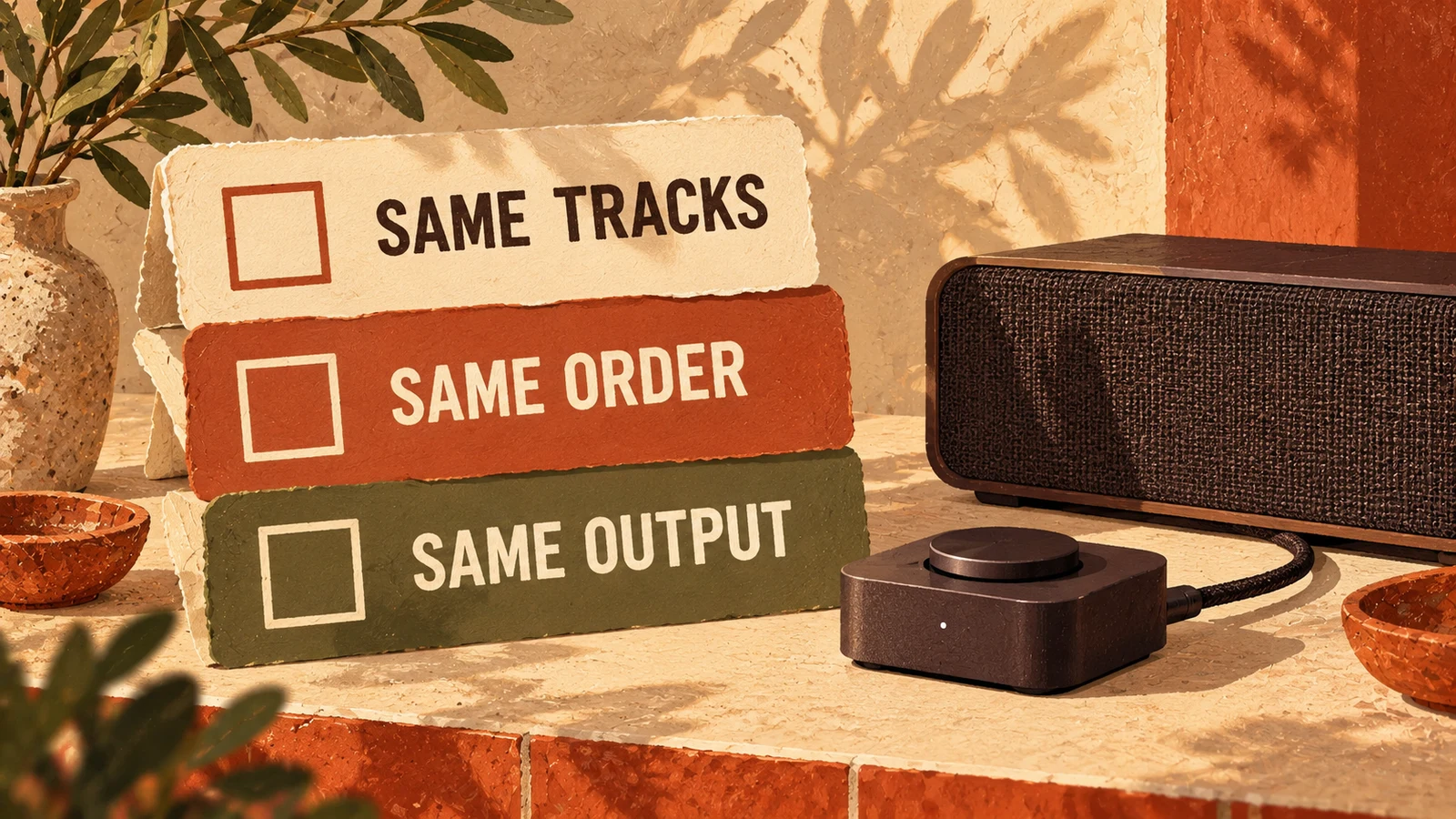
Choose permitted material whose consecutive tracks are intended to run together. Keep its original order and turn off deliberate transition effects where the player allows it. This makes the comparison meaningful. Randomly chosen songs with different endings and openings cannot establish whether the player preserves a continuous album boundary.
Listen before, across and after the boundary. Note whether the musical phrase continues naturally, stops for an extra interval, repeats or loses part of the opening. Do not judge only by the displayed track timer; the question is the audio reaching the listener. Keep the listening level and output unchanged while repeating the comparison.
Then change one part of the path. For example, compare the same tracks through a different supported output while retaining the player, or compare another player with the same output where appropriate. Record which variable changed. A comparison that also changes the recording, order and device cannot isolate the reason for the result.
A lossless file label does not establish the whole result
File format is one part of the playback path, not a universal guarantee of seamless transitions. The player, service and receiving device also matter. Sony's HAP-S1 guidance gives a concrete model-specific example: its gapless function has stated format and album-order conditions, and short gaps can still depend on the adjacent formats. Apply those conditions to that model, not every player.
Likewise, avoid declaring that every compressed file has an unavoidable audible gap. Check the actual player and material instead of turning a format discussion into a universal verdict. If the same continuous boundary works through one path and fails through another, you have a useful compatibility observation to report.
Do not edit or re-encode a library as the first diagnostic step. Preserve the existing files and establish whether the problem follows them. Editing may also need separate permission. A clean comparison can save unnecessary changes while giving support a more precise question.
The selected output can change what controls apply
Confirm where playback is happening and which device owns the transition. A control visible in a phone app does not prove that a separate receiver applies it in the same way. Check the documentation for the player, service and output mode together. Keep the name of that mode in your notes so the result can be reproduced.
Ask support a specific question: does this service support gapless playback through this player and this receiver, in this mode, with this material? “Does the app have gapless?” leaves too much unresolved. Include whether the programme is an album in order, a shuffled queue, local files or a service stream.
For wireless systems, the Bluetooth versus WiFi guide helps identify whether a phone supplies audio or only controls another player. The connection method alone does not establish gapless support. Test the path that will actually remain in use during the shift.
Distinguish a repeatable boundary fault from buffering
A gap that recurs at the same intended track boundary deserves a transition investigation. A pause that occurs at changing positions or interrupts the middle of a track needs a broader playback check. These patterns guide the next comparison; neither is conclusive proof of a cause. Record repeatability before changing the network or the music library.
Check whether the player is progressing, whether the next item is available and whether the same passage works through another supported path. Use the buffering guide for the wider source/network/output sequence. Avoid restarting every device at once, because a temporary recovery then leaves you without evidence about what changed.
If a gap appears only after a new connection mode, update or receiver change, preserve that detail for support. Re-test after an approved change using the same boundary. A general statement that music “seems smoother now” is less useful than a comparison of the exact passage that previously failed.
Decide whether gapless is the transition the room needs
Preserving a continuous album is different from smoothing a varied background programme. Gapless is appropriate when the intended recording crosses a track boundary. Crossfade may suit a selected sequence whose endings and openings blend well. A clean ending followed by a new song may also be right for the room. Choose the behaviour you want before trying to eliminate every moment of silence.
For a business, evaluate the programme at a guest position and through the installed system. A clever transition can still distract from conversation, and an intentional pause can be entirely appropriate around an announcement or activity change. The business-type guides help relate playback choices to the room's main task.
Give support the boundary, not just the complaint
Record the player and version, service or file source, receiving device, connection mode, track order, transition settings and exact boundary. Add whether the problem repeats, whether it happens mid-track and which controlled comparison changed the result. Keep a short record of the previous working configuration if you know it, without guessing when it last worked.
Sonosfera supplies its own background-music catalogue under its terms. This article does not promise a gapless feature or native integration with a receiver. Listen to the catalogue, use the setup guide to check the real output path, and review the current UK plan if the music suits your venue.