Putting music into a business used to mean an engineer, a rack of amplifiers in a cupboard, and a bill to match. In 2026 it comes down to three decisions: what you play it on, whether you need a licence, and what actually suits the room. Get those right and a fourth question eventually arrives — whether an off-the-shelf playlist is still enough, or whether your space has earned music of its own.
This guide walks the whole path, from the first speaker on the shelf to the point where a boutique brand commissions bespoke tracks. It is written for UK businesses, so the licensing sections use PPL PRS and TheMusicLicence, the route that applies here.
For an uneven ceiling system, use the ceiling speaker placement checks. If an established stream starts stopping, follow the music buffering diagnosis.
What do you actually need to play music in your business?
Three things, and only three: a music source built for commercial playback, a speaker that suits the room, and a dedicated device to run it from. A personal Spotify or YouTube account is not one of them — those are licensed for private listening, not public business use. Everything after this is refinement, not requirement.
Match the setup to what you run — retail, cafes, salons or clinics — then layer on the kit and the paperwork below.
Which speakers and devices should you buy?
Match the speaker to the room. A single small space is fine on a Bluetooth portable; salons, cafes and shops are better served by a smart Wi-Fi speaker such as the Sonos Era 100 (around £199 in the UK), which keeps playing when your phone rings; large restaurants and hotels want wired ceiling speakers. Run all of it from a cheap, locked-down tablet.
| Speaker type | Best for | Upfront cost | Main limitation |
|---|---|---|---|
| Bluetooth portable (JBL Flip, UE Boom) | One small room — a nail bar, a barber chair | Lowest | Drops when the paired phone leaves range or takes a call |
| Smart Wi-Fi (Sonos Era 100, Audio Pro) | Salons, cafes, shops | ~£199 per speaker | Higher upfront than Bluetooth; needs Wi-Fi |
| Wired amp + ceiling speakers | Large restaurants, hotels, multi-room | Highest | Requires installation |
Placement matters more than most owners expect. Put speakers above head height and angle them down so sound settles over the room as an even blanket, rather than deafening whoever stands nearest and reaching no one three metres away.
Then give the music its own device. Do not run the day from a personal phone that will leave for lunch, take a call, or buzz with notifications mid-service. A refurbished iPad or a budget Amazon Fire 7 tablet (about £60) kept plugged in at the counter — screen locked so nobody restyles the station every ten minutes — is all a controller needs to be.
Do you need a music licence?
Usually, yes. GOV.UK states you normally need a licence to play live or recorded music in a public or business setting, and in the UK that runs through PPL PRS and its product, TheMusicLicence. It is tariff-based: the fee is set by your sector, the audible floor area, staff numbers and the devices you use — so a small clinic and a busy pub pay very different rates.
PPL PRS publishes cost examples for specific scenarios, rather than one minimum for every business in a sector. The following official examples were checked on 16 October 2026; the source labels them as updated in February 2026. Annual figures below exclude VAT.
| Sector | Example conditions | Annual cost (+VAT) |
|---|---|---|
| Office & workplace | Four or fewer staff | £168.71 |
| Shops & stores | One portable radio or small-screen TV; audible area up to 50 square metres | £235.50 |
| Hair & beauty | Radio; five or fewer seats | £238.33 |
| Pubs & bars | Radio; up to 400 square metres | £364.62 |
| Restaurants & cafes | Radio; up to 30 seats and 400 square metres | £400.81 |
Your quote depends on the actual music sources, floor area and use. The full UK music licensing cost breakdown works through the maths for common venue sizes.
Two things owners get wrong. First, a consumer Spotify subscription does not cover business use — Spotify's own public and commercial use guidance says personal accounts are for personal, non-commercial listening. Second, "we already pay for Spotify" is not a defensible answer when someone asks what is playing and what covers it.
There is one clean way to take TheMusicLicence off the table for the music itself:
Sonosfera-only playback does not require PPL/PRS for covered use of its directly licensed catalogue. A business that also plays mainstream tracks, the radio, TV, a DJ or uploaded files needs TheMusicLicence from PPL PRS for that music — Sonosfera covers its own catalogue, not those separate sources.
If staff also use a radio, keep it on a separate source row and follow the business radio music-licence guide.
How do you match the sound to your type of venue?
The right sound follows the room's job. Retail floors and gyms can carry energy and tempo; cafes shift through the day, brighter at breakfast and softer by evening; salons want warmth that flatters a slow, personal service; clinics and waiting rooms need the calmest, most predictable bed of all. Keep vocals light wherever people read, wait or talk to staff.
For genre and daypart detail, the café music schedule, the salon background music guide and the gym music comparison go deeper by setting. The one environment worth its own section is healthcare, because it is the easiest to get wrong.
What should play in a clinic or waiting room?
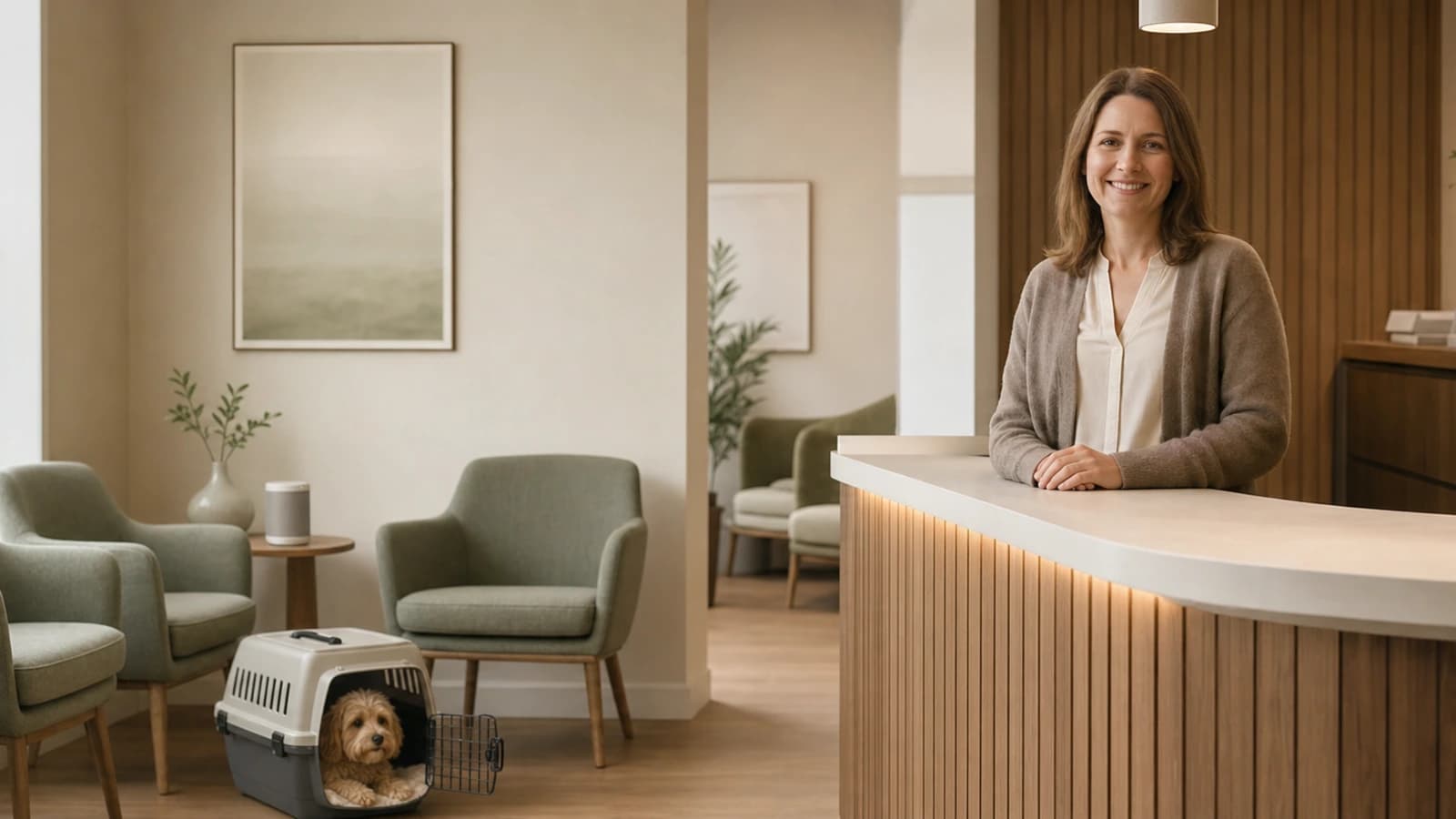
Clinic reception music should make the room feel private and settled without distracting staff or implying any treatment claim. Keep it below conversation level, steady, and lyric-light. Counter-intuitively, silence is the bigger risk: a dead-quiet waiting room amplifies every keyboard tap, phone call and muffled sound through the treatment-room wall, leaving patients listening to the building instead of settling.
That acoustic-mask effect is why the calmest rooms still run a low, warm bed of sound. In the treatment room it matters more again — without it, patients focus on paper couch rolls, movement, breathing and equipment. Music gives the space an intentional floor without pretending to do any clinical work.
Match the energy to the practice:
- Dental — familiar, gentle, limited percussion; settled but not so lyrical it competes with reception conversations.
- Aesthetic and cosmetic — a more polished, retail feel: soft electronic, lounge or boutique tones that match the interior and the price point.
- Physiotherapy, osteopathy and movement — a little more rhythm than a dental room, but steady and professional, not gym-floor workout music.
- Private GP and family — neutral across age groups, with no strong language or sharp dynamics that make the front desk harder to hear.
Zone it where you can: a warm, acoustic-morning mood in reception and a slower, ambient, low-BPM drift in treatment rooms rarely want to be the same playlist. And do not assume a quiet or appointment-only clinic sits outside the licensing rules — the test is whether music plays in a business setting, not how many people are in the room. The music licence guide for dentists, vets and medical clinics covers the healthcare specifics.
Curated playlist or custom music — which should you choose?
Most businesses should start with a curated, commercially-cleared playlist and commission custom music only when the atmosphere is part of what customers pay for — boutique hotels, destination spas, high-end salons, or a multi-site brand that wants one consistent sound across venues. A curated plan is £14.99/month. Bespoke composition is an upgrade you grow into, not a starting point.
The distinction is a suit off the rack versus one made to measure. A curated playlist selects existing, cleared tracks to fit your vibe — broad, affordable, familiar. Custom music is composition that exists nowhere else, designed around your brand so no competitor can play the same background by accident. Custom works below conscious attention; curated can include songs customers recognise and enjoy in the moment.
Bespoke earns its cost when you can answer yes to two or more of these: your atmosphere is genuinely distinctive; your brand extends past a logo into a deliberate feeling; you have outgrown generic playlists; or you run multiple locations and want a sound staff cannot accidentally break.
If that is you, Sonosfera Studio composes tracks from a two-minute questionnaire — business type, mood, instrumental or vocal, calm or energetic — with five fresh tracks added every month so regulars never hear the same loop. It starts at £139.00 upfront plus £23.99/month for a 30-track library, £199.00 for 50 tracks and £359.00 for a full 100-track library — against traditional composers, who often charge hundreds of pounds per track. The sonic branding guide for boutique hotels shows where that investment pays back.
What does business music actually cost?
A commercially-cleared Sonosfera plan is £14.99/month, or £12.49/month on annual billing, and playing its catalogue carries no separate PPL PRS bill. The traditional route combines a music source authorised for business use with TheMusicLicence where required; use the dated, scenario-specific examples above when budgeting. Custom tracks are a one-off from £139.00 upfront on top of a plan.
| Route | Roughly what you pay | Where you stand on rights |
|---|---|---|
| Business music service + TheMusicLicence | Service subscription plus a tariff-based licence; ask for a quote matching your use | The music service must permit business playback; TheMusicLicence addresses the relevant public-performance rights |
| Silence | Nothing | Clean on paper, usually poor for the room — see the waiting-room section |
| Sonosfera | £14.99/month (annual available) | Sonosfera catalogue playback covered; radio, DJs, uploads and outside playlists remain separate |
Set the volume and walk the room
Before you open, set one "set-and-forget" volume from the customer's seat, not from behind the counter where you stop hearing it. Walk to the door and the far corner, sit where customers sit, and confirm staff can still speak normally over the top. Mark the level with tape so nobody drifts it through the day.
Where the day has distinct phases, schedule for them—a gentler morning, a busier afternoon—using the business dayparting guide. If you share a building with other practitioners, agree who controls the music in reception, corridors and private rooms before it turns into a daily negotiation.
Frequently asked questions
Can I just use my personal Spotify account or the radio? No on both, for business playback. Consumer streaming accounts are licensed for personal, non-commercial listening. Radio carries its own broadcast rights, which are not the same as the right to play that music publicly on your premises — check the PPL PRS and GOV.UK guidance for the source you plan to use.
Do appointment-only or quiet rooms still need a licence? Usually the same rules apply. The question is not how many people are in the room or whether they booked ahead; it is whether recorded music is playing in a business setting rather than a private home.
Do staff-only areas need cover? Do not assume a back room sits outside the rules. PPL PRS says workplaces that play music for employees can still need TheMusicLicence, so check your exact setup before relying on a radio or a staff playlist.
How long does setup take? You can test a browser-based service like Sonosfera in about five minutes — sign up, pick a station, connect a speaker, press play. Larger venues may still need time for speaker placement or a wired installation.
Is royalty-free music actually free? Rarely. Most "royalty-free" tracks still need a commercial-use licence; they simply do not charge a fee per play. The guide to whether AI music is royalty-free unpacks what the label really covers.
What should I keep on file? Your provider invoice and account details, notes on what the catalogue covers, and any PPL PRS paperwork that applies. If you also use radio, DJs, uploaded files or third-party playlists, document those separately.
Sources
- Licence to play live or recorded music — GOV.UK
- TheMusicLicence and music licence cost — PPL PRS
- Music in workplaces — PPL PRS
- Spotify public or commercial use — Spotify
Sound is usually the last surface an owner furnishes, and the cheapest to get right. Settle the source, put one speaker in the correct place, and set a volume you have actually sat inside — then decide, much later, whether your room has earned music of its own. If you want the cleared-source part handled in one step, start with a Sonosfera plan and browse the catalogue before you commit.