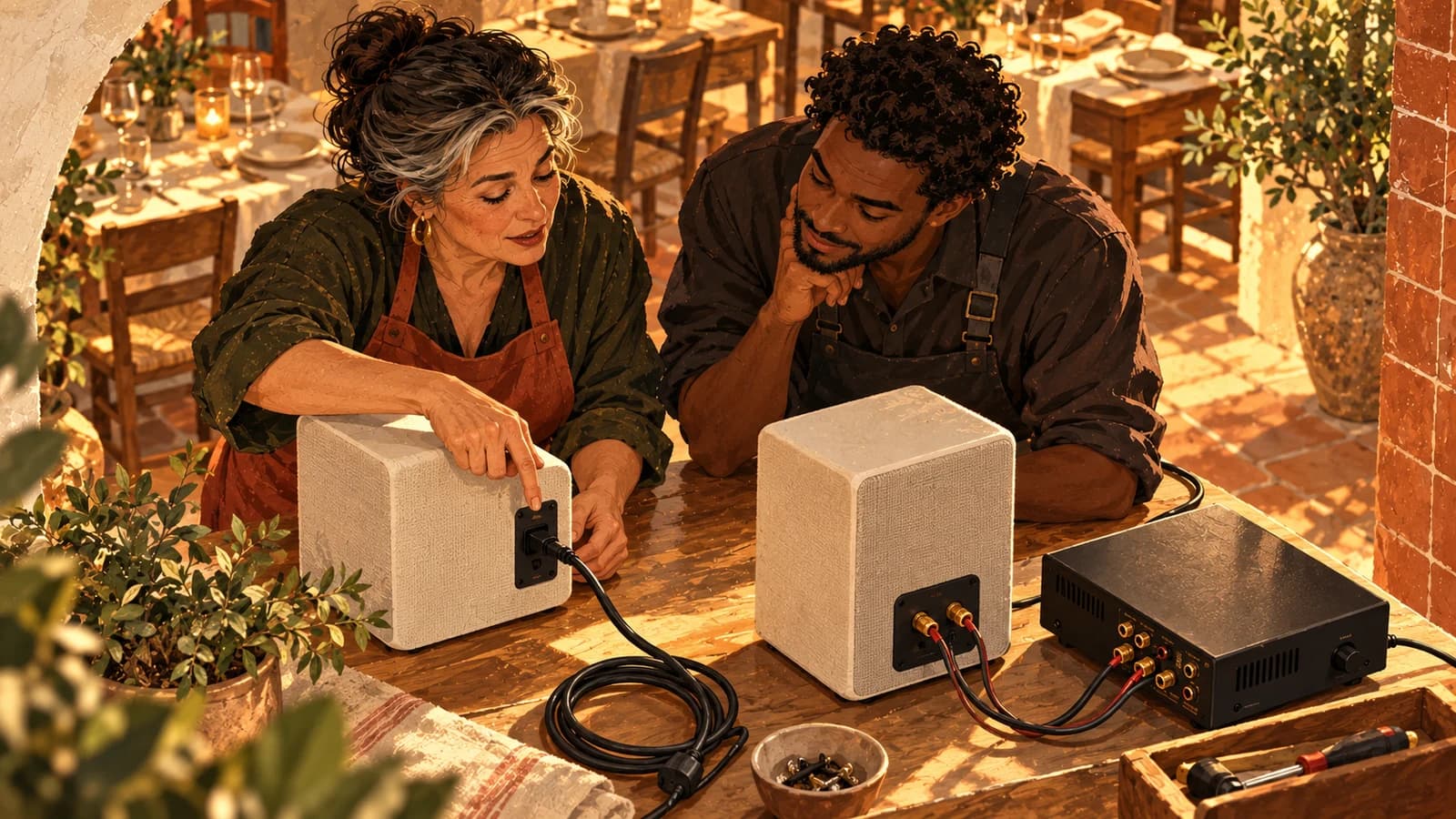
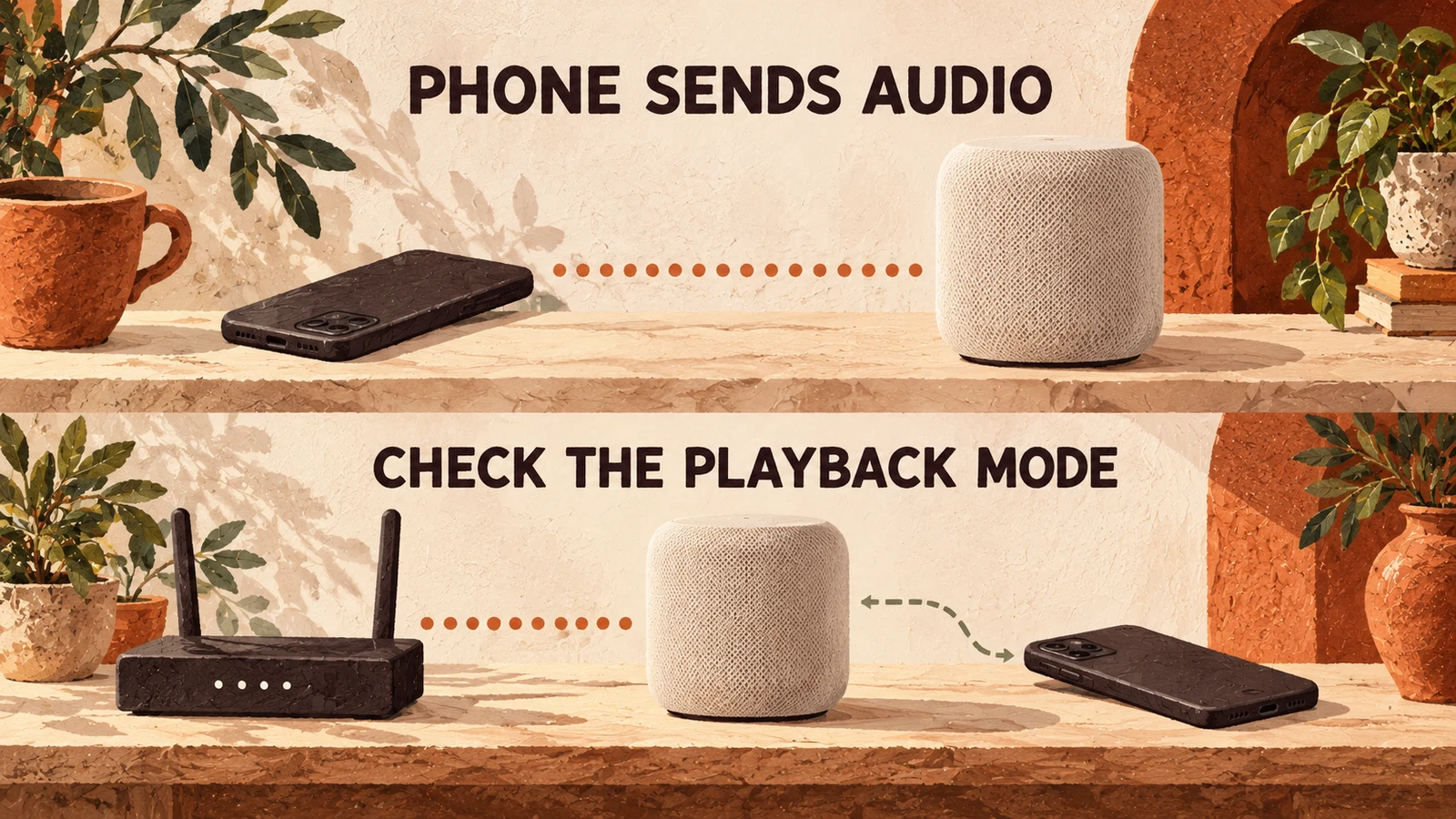
Short answer: Bluetooth speakers commonly receive audio directly from a nearby phone or other source; WiFi speakers use a network connection. For a fixed business, favour a playback path that stays available when staff change shifts. That often makes a network-based system worth investigating, but the word “WiFi” alone does not prove that playback is independent of the phone.
Sonos's wireless-speaker explanation distinguishes the connection methods. Your buying decision also needs an operating test: what happens when the person who started the music answers a call, leaves the building or hands over to someone else?
Compare the playback path before comparing sound quality
Identify which device supplies the audio and which merely controls it. A phone can be the source feeding a speaker, or a remote telling a network player what to play. Those arrangements have different dependencies. Ask the supplier to demonstrate the exact service and connection mode you will use, rather than a different mode with a more convenient result.
| Decision | Bluetooth path | WiFi path |
|---|---|---|
| Where audio travels | Commonly from the paired source to the speaker | Across the local network; the originating device or service depends on the mode |
| What the phone does | Often supplies the audio | May supply audio or act as a controller; check |
| What to test at handover | Pairing, source ownership and reconnection | Controller access, account ownership and network availability |
| Multiple speakers | Depends on the speaker system's supported linking features | Depends on supported grouping, zones and service integration |
| Connection failure | Test the actual distance, obstructions and source behaviour | Test local-network and internet failures separately |
| Venue permission | Check the music service and use | The same permission check applies |
Neither column is a universal quality ranking. A well-chosen speaker in a suitable position is a different question from the transport carrying its audio. Do not buy an unreliable operating arrangement because a specification promises a higher-resolution format.
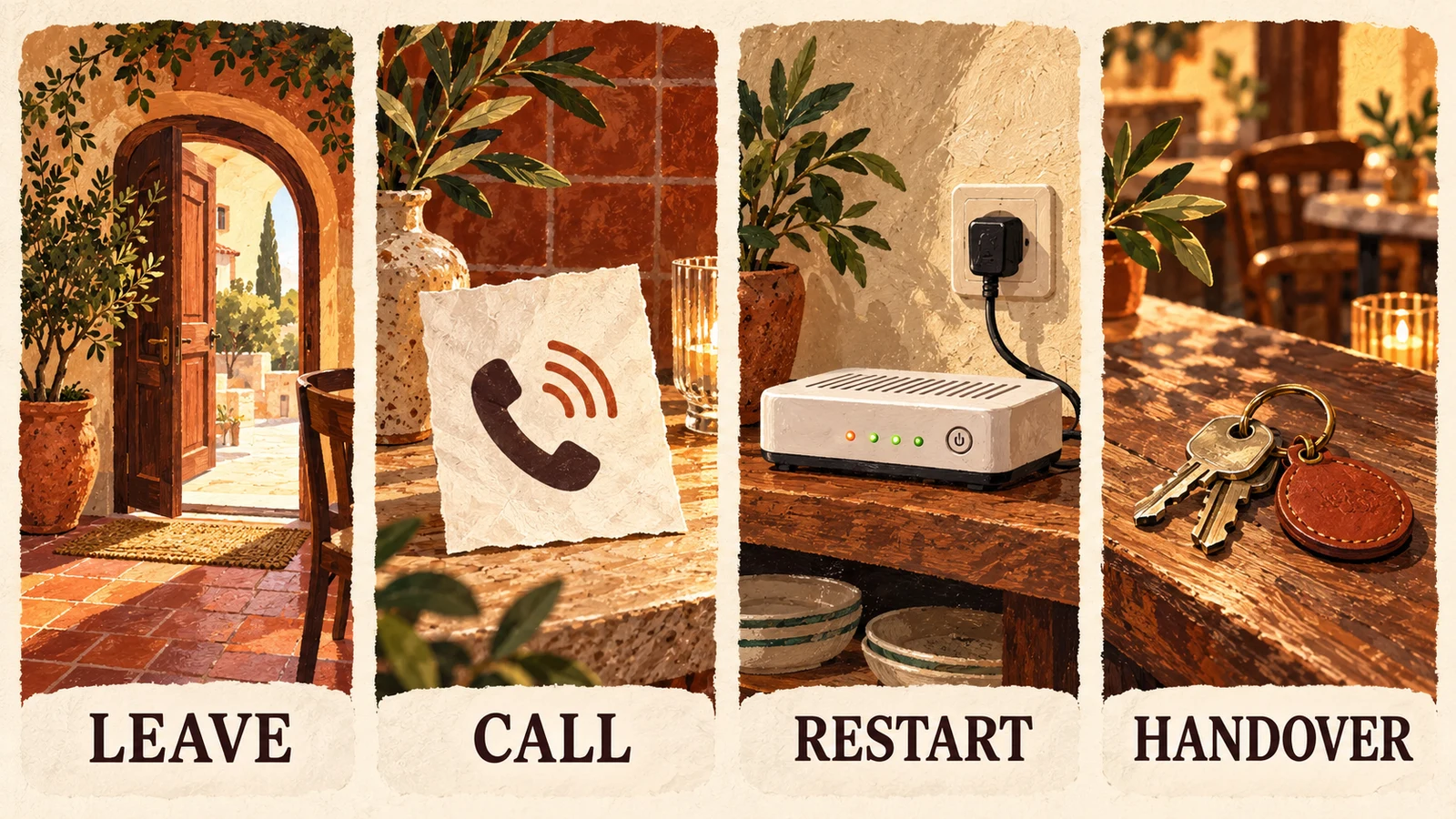
Run the leave, call, restart and handover check
Evaluate the proposed system before relying on it during service. Use the intended music source, normal staff permissions and the positions where people actually work. Record the connection mode with the result. A successful demonstration in the supplier's showroom does not establish the same result in your venue, on your network, with your account.
The following sequence is an operator acceptance check, not a claim that every speaker behaves alike:
- Leave: Start the programme, then take the initiating phone away from its usual position. Does the music continue, stop or become unreliable? Can an authorised colleague still stop it?
- Call: Make a test call to that phone before opening. Observe whether playback pauses, ducks or stays unchanged. Check other notifications separately.
- Restart: With permission from the person responsible for the network, test recovery from a planned interruption outside service. Do not disconnect a router supporting tills, security or other critical systems just to test music.
- Handover: Have the next shift take control using its own authorised device. Confirm that staff do not need a departing colleague's personal login or approval.
Write down what happened and the recovery action. “Works over WiFi” is too vague; “the receiver continued playing after the initiating phone left, and the next shift could stop it” is an observable result for that particular path.
Bluetooth range is a site question, not one fixed distance
Bluetooth range depends on the devices and their surroundings, so do not plan a venue around a universal distance copied from a shopping guide. The Bluetooth SIG's range guidance identifies factors including radio design, receiver sensitivity, antenna performance and obstacles. Test the required path with the doors, walls and equipment in their normal positions.
A phone that stays beside the speaker has a different job from one carried between the counter, stockroom and outside seating. Decide whether it will remain a dedicated source before selecting the connection. If staff need to carry it away, that dependency belongs in the purchase decision and the handover instructions.
Also distinguish a weak connection from a music-service interruption. Record whether other sounds from the source reach the speaker and whether playback on the source itself is progressing. The buffering guide helps separate the source, network and output questions without treating every pause as the same fault.
WiFi and internet access are different dependencies
A working local wireless network does not establish that an online music service is reachable. Conversely, an internet outage does not automatically mean the local network has disappeared. Whether a system can keep playing depends on the source, stored material, service authorisation and receiver. Ask for its documented behaviour and test the permitted fallback.
Do not assume that buying a WiFi speaker supplies offline playback. Equally, Bluetooth's direct radio link does not create an offline music library on the phone. The connection and the content source are separate parts of the chain. A receiver can be connected correctly while the service supplying it is unavailable.
Keep a simple recovery instruction beside the normal operating procedure: who checks the network, how to confirm the selected input, and when to stop trying changes. Repeatedly pairing devices, switching inputs and restarting accounts together can hide the original cause and make the next shift's problem harder to diagnose.
Ask about grouping and independent zones separately
Playing the same programme through several speakers is different from choosing a separate programme for another room. Check the exact system's supported grouping and independent playback, then include the intended service in the demonstration. Do not infer either capability from a wireless logo or from the number of speakers you can discover on a phone.
Name the actual rooms and controls in the purchase brief. Can reception stop its programme without stopping the dining room? Who can change the level? What happens after a power interruption? The multi-zone guide helps describe those room-level jobs before you decide which hardware can perform them.
For a very simple setup, a dedicated source beside a suitable speaker may be manageable. For a permanent system with several rooms and changing staff, a documented network and control arrangement may better fit the job. Choose from demonstrated behaviour, installation constraints and support, rather than declaring one transport universally superior. Use the active versus passive speaker guide to identify the separate amplification and power requirements.
Choose a permitted music source for the finished system
Speaker connectivity does not grant music rights. Once the physical and control path is clear, check that the service permits the intended business use and that the relevant music rights are covered. The government's UK guidance on playing music publicly explains why the source question remains separate from the equipment.
Sonosfera supplies its own background-music catalogue under its terms. It is not a speaker manufacturer, and this guide does not promise a native integration with a particular receiver. Browse the catalogue, then verify its actual output path on your intended setup. Use the business-type guides to plan the room and check the current UK plan when the catalogue and scope fit.