
Short answer: Music ducking temporarily reduces background-music level when a separate signal, usually a microphone or voice track, triggers it. The music returns when the trigger ends, according to the system's controls. JBL's explanation of live ducking describes this relationship between the control channel and the music channel.
For a venue, the goal is an announcement guests can hear from its first word, followed by a calm return to the normal programme. Automatic ducking is useful only when the trigger, reduction and recovery suit the actual microphone, room and speaker system.
Ducking lowers the music, not the speaker's voice
Keep the voice path and the music path distinct. In an ordinary speech-priority arrangement, the microphone provides the control signal and the music is the signal being reduced. Raising and lowering the entire room output would affect both. JBL's guide explains the separate control and background signals; check how your specific equipment implements them.
That distinction helps when something sounds wrong. If the announcer disappears along with the music, inspect routing and controls before changing the amount of ducking. If the music never moves, establish whether the control signal reaches the configured trigger. A feature name is not proof that the microphone and music are assigned correctly.
Ducking also differs from music-volume normalisation. Normalisation addresses differences between tracks; ducking responds to another signal. Use the normalisation guide when the problem is a song arriving louder than the previous one. Use ducking when speech needs temporary priority.
Listen to the whole announcement cycle
Judge the first syllable, the body of the announcement, pauses between phrases and the music's return. A test consisting only of a sustained “hello” can miss awkward behaviour during ordinary speech. Use the person, microphone position and room conditions that will apply during service, then listen from the guest positions that matter.
| Part of the cycle | What to listen for | What to investigate |
|---|---|---|
| Before speech | Music stays at its normal level | Unwanted triggers or incorrect routing |
| First word | The opening is understandable | Trigger sensitivity and how quickly reduction begins |
| Continuous speech | Voice remains clear above the reduced music | Music reduction, voice level and speaker coverage |
| Natural pause | Music does not jump up between phrases | Hold or recovery behaviour, where adjustable |
| End of announcement | Music returns smoothly to the intended level | Release behaviour and the normal music reference |
Make the acceptance decision from what listeners hear, not from the motion of a meter alone. If the system cannot make speech clear at a suitable level, investigate the microphone and coverage as well as the ducking controls. More reduction cannot fix every announcement problem.
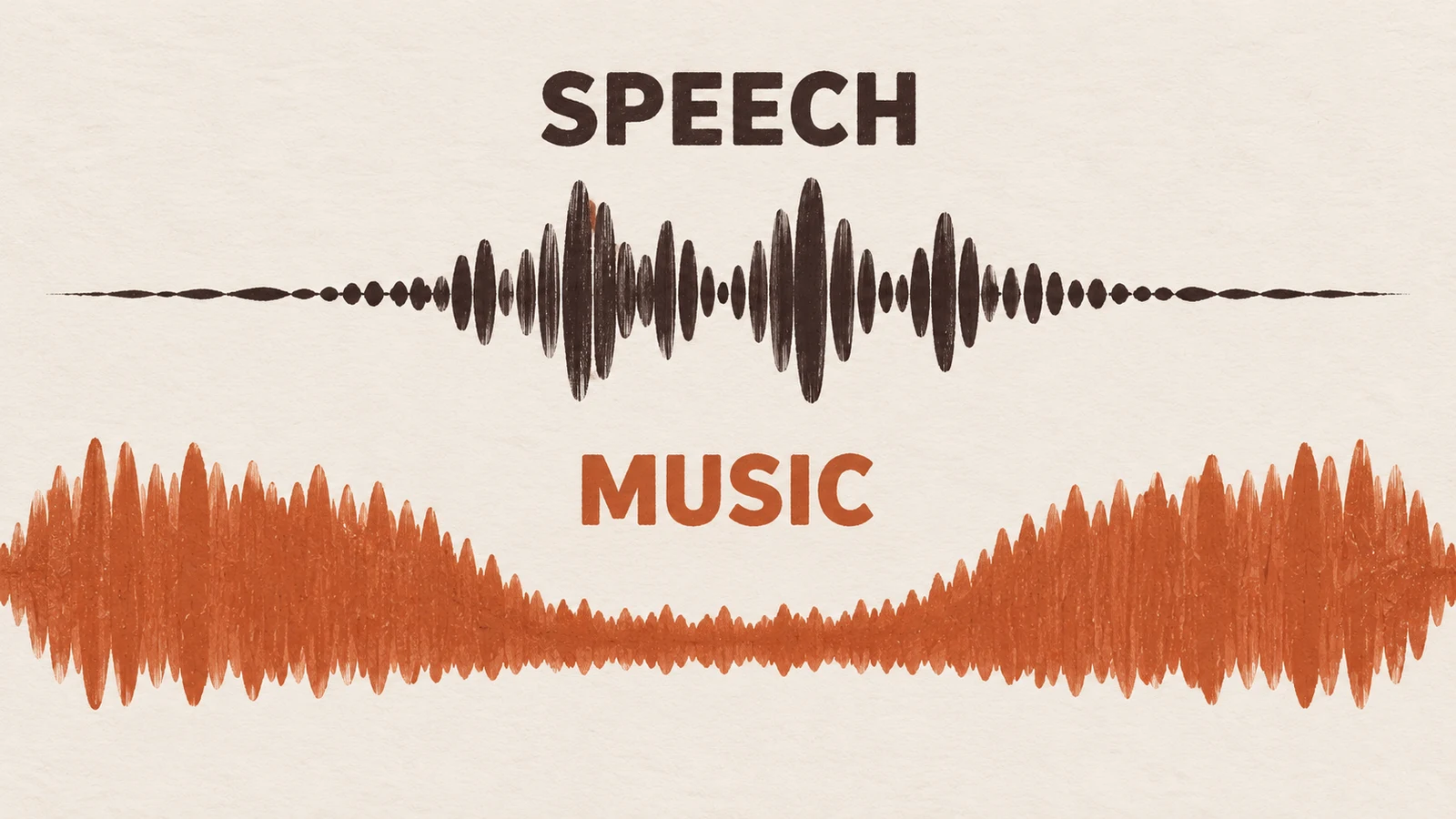
Set the trigger around real speech
The trigger should recognise the intended voice without treating every nearby noise as an announcement. Test the usual speaking distance, a quiet opening phrase and ordinary pauses. Then check what happens when the microphone is open but nobody is speaking. Keep the microphone location and operator technique consistent while changing settings.
A threshold is a decision point for the control signal, not a target loudness for the room. The exact label, range and available controls depend on the mixer or processor. Follow its manual. If the system offers only a fixed or one-touch function, evaluate that behaviour rather than inventing settings it does not expose.
Check plausible false triggers before opening: handling noise, nearby conversation or room sound reaching the microphone. If these reduce the music unexpectedly, investigate microphone practice, placement and trigger configuration. Do not compensate by asking staff to shout or holding the microphone in a position that creates another problem.
Give the music enough reduction and time to recover
Choose the reduction by listening to speech over representative music, then judge how the system handles short gaps between phrases. Too little reduction can leave words masked. An unsuitable return can make the music repeatedly rise and fall during a sentence. The useful result is intelligible speech and an unobtrusive recovery, not a dramatic effect.
Avoid copying an editor's default values into a live venue. Audacity's Auto Duck documentation describes controls for reduction, threshold, fades and pauses in an editing workflow. Those concepts help explain the listening questions, but its settings are not a commissioning prescription for a different live processor.
Make changes one at a time and preserve the last workable configuration. Ask the installer which parameters staff may adjust and which should remain protected. Record the normal music level too, so a successful announcement does not leave the room with a different programme level for the rest of the shift.
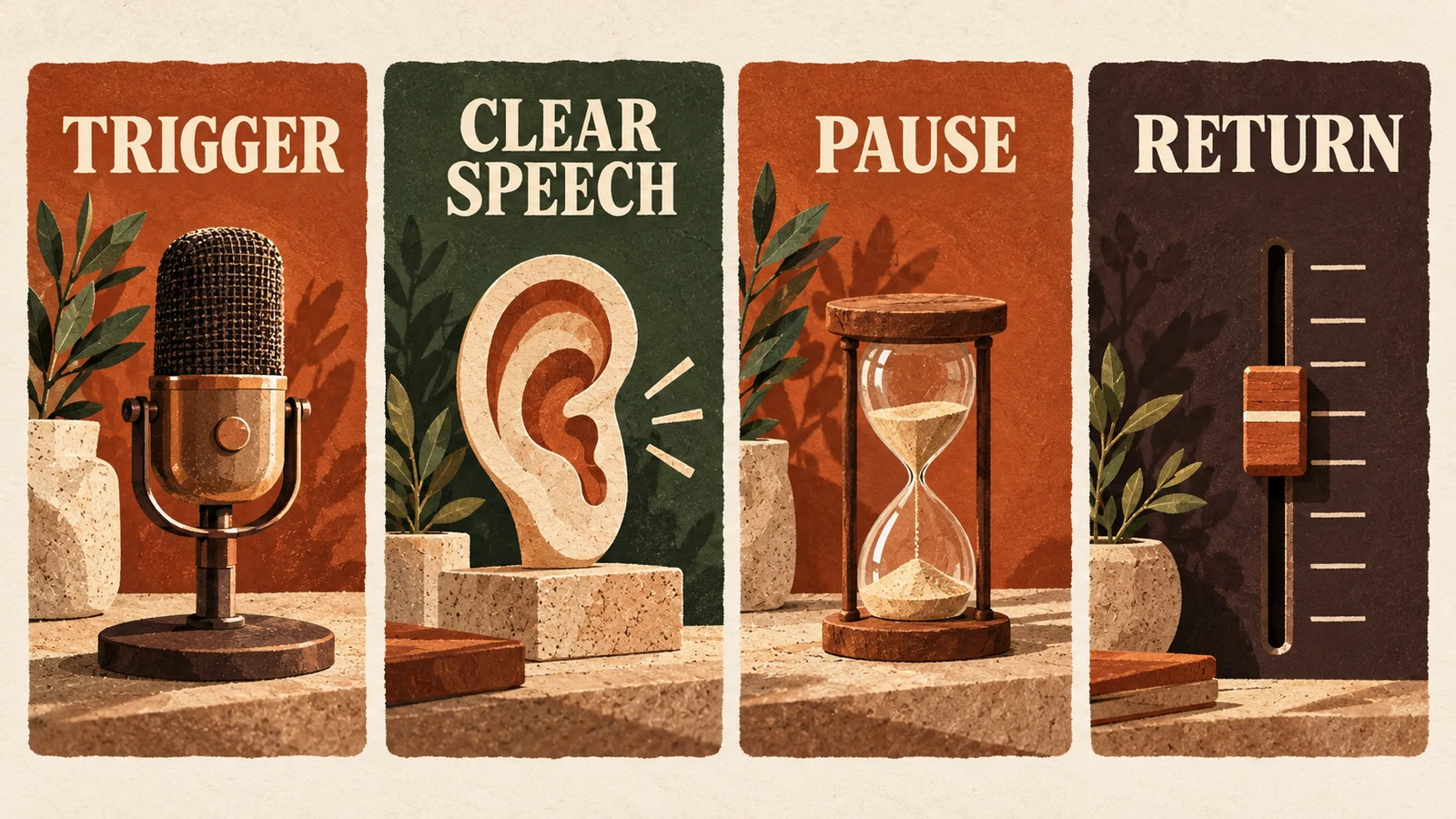
Live ducking and an edited voiceover are different jobs
Live ducking responds while someone speaks; an editing effect analyses or changes recorded tracks. Identify which job you are doing before following a tutorial. Audacity's Auto Duck instructions describe selecting the music to modify and using a separate control track. That is an offline editing process, not a promise that a streaming player will react to a microphone.
For an edited announcement, check the exported file through the actual venue system before using it. Listen for the opening and ending, not only the middle. Keep rights to the recordings and any editing separate from the technical ability to mix them. For live speech, use the compatible microphone and processor path documented for the installation.
This distinction also helps with support. “Ducking does not work” is incomplete. Say whether the problem occurs while speaking live, while editing, or when playing an exported file. Include the relevant source and output path so the next person can reproduce the same workflow.
Keep a manual fallback and a clear operator role
Assign someone to control music when the host speaks, even when automatic ducking is available. Agree a cue and the normal return level. If the automatic behaviour fails during a routine announcement, the operator can lower or stop the music using the approved control, then restore it when the host finishes. Rehearse that handover before guests arrive.
Do not treat a background-music ducking feature as a substitute for the building's emergency or voice-alarm arrangements. Ask the responsible installer how those systems are separated or prioritised. Staff should know the proper emergency procedure rather than relying on an ordinary music mixer to perform an unverified safety function.
The staff music policy guide helps assign controls and handover responsibility. Use the business-type guides to plan the room's ordinary music use. The operating record should say who speaks, who controls the music and who owns an unresolved fault.
Verify the music source without assuming it supplies the processor
Check the actual mixer, amplifier or processor for speech priority. Do not infer a ducking feature from a music subscription, a phone connection or a speaker's wireless capability. Sonosfera supplies background music from its own catalogue under its terms; this guide does not claim that its player supplies live microphone ducking.
When the sound system is ready, browse the Sonosfera catalogue and check the current UK plan if its music fits your venue. Use the setup guide to verify the source-to-speaker path. Keep the music-service choice, microphone routing and processor acceptance as distinct decisions.