
Short answer: A shop playlist should contain enough suitable music for the listening period you want to cover before repeating. There is no universal minimum: the worked example below covers 7.5 hours using the duration worksheet. Calculate the runtime, check how much material is distinct, then check how playback starts and repeats. A long list will not help if staff keep hearing its opening sequence.
The shopper who stays for a few minutes and the assistant working most of the day hear different portions of your music. For an independent retailer, the useful question is often whether the selection holds up across a shift, not whether it looks large on a screen.
Editorial illustration: shop assistants recognise a familiar tune while folding jumpers.
If you overlap track endings and openings, the crossfade guide shows how that changes elapsed runtime.
For seasonal repetition across staff shifts, use the Christmas music rotation plan alongside this runtime check.
Copy this playlist audit card
Use one card for the selection staff actually hear. Record the intended listening window in minutes, the total suitable runtime, the number of distinct recordings and what happens after a restart. Leave unknown behaviour marked unknown until you have checked it.
In the example above, the target is 450 minutes (calculation). If music stops for a planned session, subtract that period before sizing the selection. The quiet-hours guide helps you distinguish a music-off promise from a softer soundtrack.
On the next ordinary shift, ask someone to note the first track, a familiar repeat and any restart. Compare those notes with the card before adding music. This checks the specific arrangement; it does not establish a universal repetition limit or a Sonosfera no-repeat guarantee.
How long should a shop playlist be for your trading day?
Start with the hours you actually intend to play music. Subtract planned music-free periods. Add preparation time only if music is also part of that time. You are calculating a listening window, not automatically copying the hours on the door.
The basic estimate is song count multiplied by average song duration, as shown in the calculation worksheet. To work backwards, divide your target minutes by the average track length. Use your chosen music's durations rather than assuming every song is the same length.
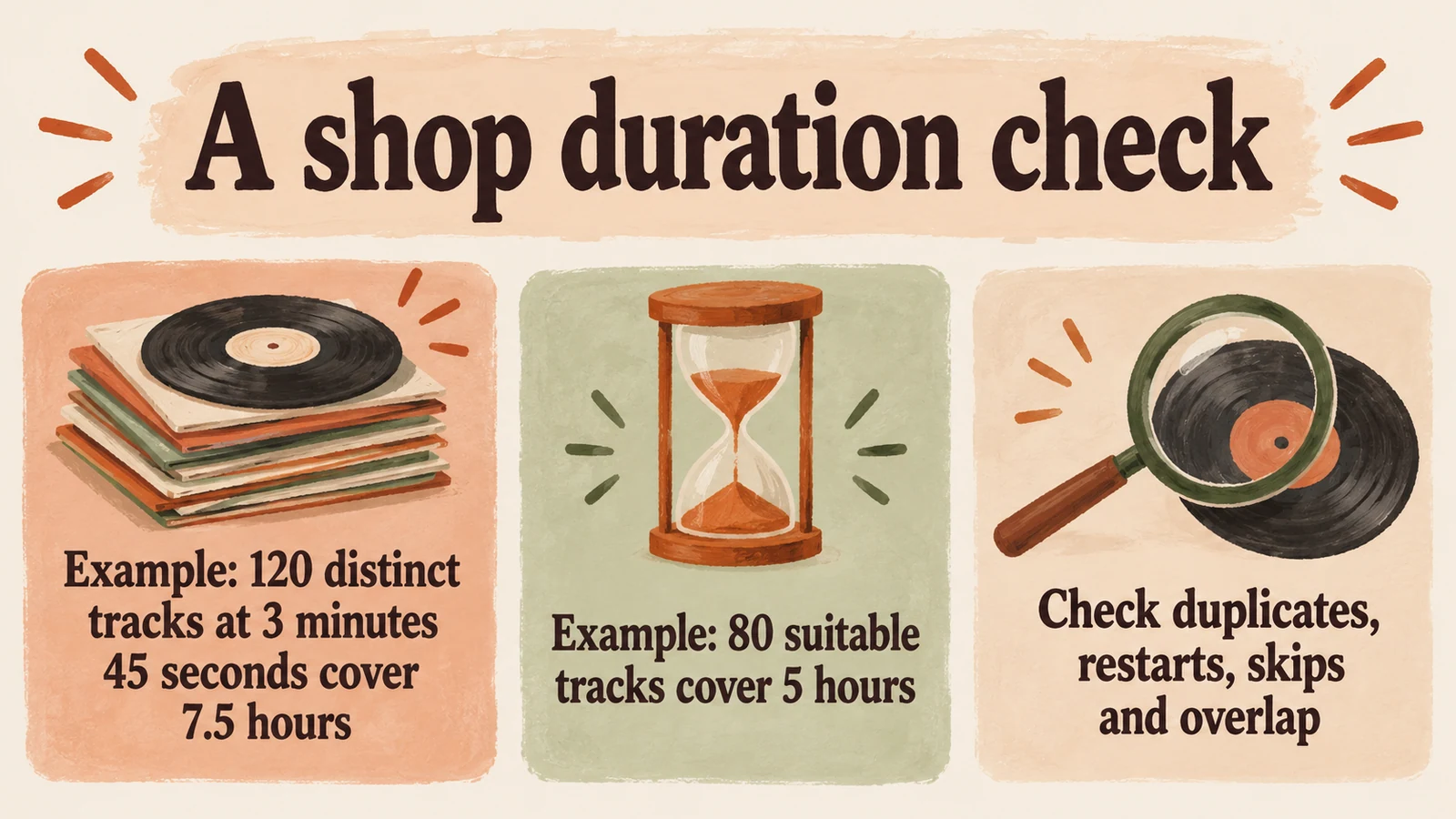
Example: a shop plays music for 7.5 hours and its selected tracks average 3 minutes 45 seconds (calculation). Assume no gaps, crossfade overlap, skips or repeated entries.
| Calculation | Result |
|---|---|
| 7.5 hours multiplied by 60 | 450 minutes to cover |
| 3 minutes 45 seconds expressed in minutes | 3.75 minutes per track |
| 450 divided by 3.75 | 120 distinct tracks |
| 80 tracks multiplied by 3.75 | 300 minutes, or 5 hours |
Under those assumptions, 120 distinct tracks cover the full window once (calculation). The shorter selection leaves 150 minutes to cover after it ends (calculation). Use the durations of the tracks you plan to play.
Where exact durations are available, add them instead of relying on the average. Then check the actual playback settings. Crossfades shorten elapsed runtime by overlapping tracks; pauses lengthen it. Skipping songs changes the calculation too.
Listed hours are not always distinct hours
Example: a second list contains 100 entries, each exactly four minutes long (calculation). Its listed runtime is 400 minutes (calculation). If 20 entries are second copies of tracks already included, there are only 80 distinct recordings, totalling 320 minutes (calculation). The list is long enough to occupy more time, but part of that time is repeated material.
Overlap between playlists deserves the same attention. Two selections called "Shop morning" and "Shop afternoon" might share tracks. Adding their displayed runtimes tells you how long they run in sequence, not how much unique music you have.
Also distinguish a duplicate recording from another version of the same song. Those may be different files and different performances, but still feel repetitive to a colleague who recognises the melody. You do not need a perfect catalogue audit. Start with the tracks people keep mentioning and check whether they occur more than once.
Is the problem length, or the way playback starts?
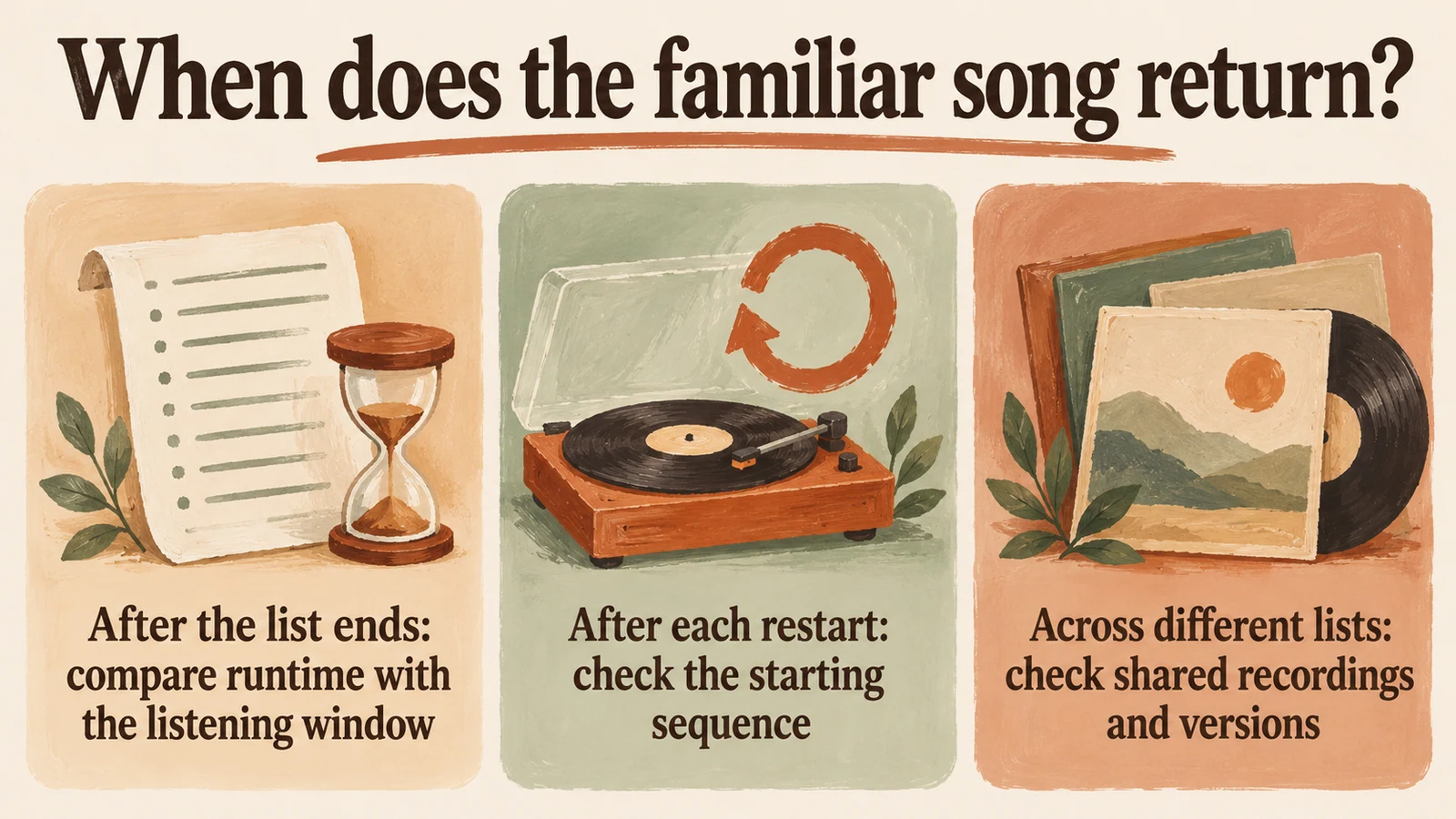
Before adding music, ask when the familiar track returns.
If it appears after the selection completes, you may need more suitable material or a deliberate acceptance of some repeats. If the same opening songs return after every restart, adding tracks to the end may change very little for the people listening near the start.
These checks apply to music systems generally. They are not claims about a fault or feature in a particular service.
| Playback arrangement | What to check |
|---|---|
| Short fixed sequence | Does it finish before the intended listening window? |
| Long fixed sequence | Does each restart return to the same opening track? |
| Shuffled selection or generated stream | What does the provider actually promise about repeats and resets? |
Do not treat the word "shuffle" as a no-repeat guarantee. It concerns ordering; it does not add distinct music. Ask how the service handles a new session, switching selections and the end of the available material.
Add music that still belongs in the shop
Shopify's retail-music guide discusses keeping selections fresh without losing the shop's identity. That is a useful constraint when extending a list. Filling the last hour with music you would otherwise reject solves the arithmetic and creates a selection problem.
Ask staff for a track and an approximate time when they notice an unwanted repeat. Check the sequence before assuming the entire catalogue is too small. One recurring opening song can be a more specific problem than "we need hundreds more tracks".
Listen to proposed additions all the way through. Keep your usual standards for lyrical content and changes in intensity. For broader decisions about style, use the existing retail music genre guide. This length check does not require a new morning-to-closing schedule.
For the wider room plan, use the retail music schedule while keeping this length and restart check distinct.
Questions to answer before choosing a service
Look at the material that fits your shop, rather than a headline catalogue size. Can you find enough candidates you would actually play? Can you inspect the selection beyond a short preview? What happens after a stop or a change of playlist? Ask the provider where the answer is unclear.
You can browse Sonosfera's catalogue to assess its sound, then review Sonosfera for retail and current UK pricing. No particular playlist length or repeat-free outcome is promised here. Its terms describe the active-plan licence for its own catalogue at the locations on your plan. Music from other sources needs its own licence.
When should you refresh the selection?
There is no weekly quota in this method. Revisit the selection when observations give you a reason, such as a recurring sequence, unsuitable additions or a changed listening window. A shorter selection can remain a deliberate choice if its repetition is acceptable to the people hearing it.
Write down your target minutes, check the distinct suitable material, and test a restart. Those checks tell you whether you need more music, a different starting point or simply a clearer expectation about repeats.
This applies to Sonosfera's own catalogue at the locations on your plan. No PPL PRS licence needed for Sonosfera music under an active plan. Music from other sources needs its own licence. See the catalogue terms for the locations and uses covered by your plan.
Frequently asked questions
How many songs cover a shop shift?
Divide the target minutes by the average suitable track length, then check duplicates, skips and restart behaviour. In the worked example, 450 minutes divided by 3.75 minutes gives 120 distinct tracks; use actual track lengths for your shop (calculation).
Does shuffle prevent repeated songs?
No. Shuffle changes ordering, not the amount of distinct music. Ask the provider how sessions, selection changes and restarts work.