Pub Background Music: Does It Drive Revenue, and What Does It Actually Cost?
Does pub background music increase bar sales, and what does it cost in the UK? Real PPL PRS figures, live-vs-recorded budgeting, and how beer gardens and pop-up bars license music by the season.
Music shapes drinking pace, dwell time and how private a room feels — but treat the research as a testing prompt, not a guaranteed sales lift.
[object Object]
As of early 2026 a small pub's recorded-music licence starts near £360/year +VAT; most venues pay £500–£1,500 depending on size, hours and use.
A Temporary Event Notice (£21) covers alcohol and the event — not music copyright. For a beer garden or pop-up they are two separate boxes.
Sonosfera-only playback does not require PPL/PRS because the catalogue is fully AI-generated and rights-controlled; keep a certificate as proof of source.
Use Sonosfera for eligible catalogue background playback in United Kingdom, then keep DJs, live music, radio, uploaded tracks, venue terms, and local permissions in their own checks.
Sonosfera was started by a salon operator who got caught out by PPL/PRS licensing letters and built the music platform they wished existed. The team behind this blog has spent years inside hair and beauty businesses, clinics, and hospitality venues — booking the bills, dealing with the licensing letters, and learning the hard way that most Spotify playlists don't work for a professional environment.
Pub Background Music: Does It Drive Revenue, and What Does It Actually Cost?
By Sonosfera Team
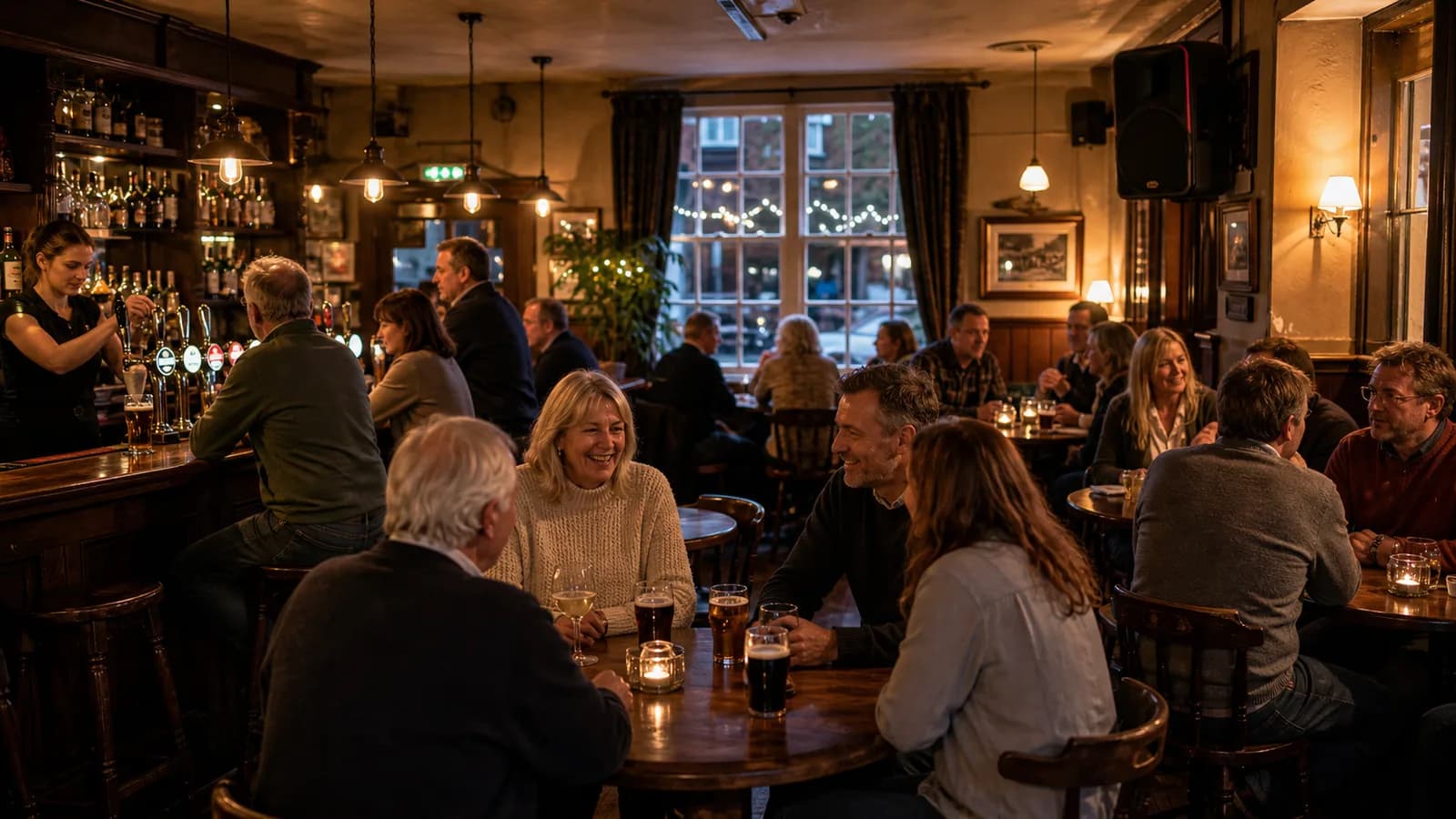
Walk into the same pub twice — quiet Tuesday lunch, packed Friday night — and the music is doing two completely different jobs. At lunch it softens the room so two strangers at neighbouring tables don't feel like they're sharing a library. On Friday it lifts the energy, keeps people at the bar, and tells the room what kind of night this is. Landlords tend to ask two separate questions about that soundtrack and muddle the answers: does it make me money? and what does it cost me? This guide keeps them apart, because the honest answers are different in kind — one is a probability, the other is a bill.
Does pub background music actually increase sales? It can lift trade indirectly — tempo influences drinking pace, volume creates conversational privacy, and genre signals what the room is worth — but no playlist guarantees extra revenue. The credible studies show music shifts customer behaviour, not that a particular track prints money. Treat it as an operating lever you test against your own takings, not a switch you flip for guaranteed sales.
What the research really says about pace, pints and spend
The behavioural science here is real but frequently overstated in marketing copy, so it's worth being precise about what has actually been measured.
Tempo affects pace. A field study in a real bar by Nicolas Guéguen and colleagues at the Université de Bretagne-Sud (Guéguen et al., 2008) found that louder music was associated with faster drinking and more drinks ordered. That is evidence music matters — not a recipe to crank the volume every night. Push it too far and you swap a livelier room for one where regulars can't hear each other and leave early.
Volume also builds privacy. In a busy room, silence is awkward: nobody wants the next table narrating their evening back to them. A moderate music bed — roughly conversational, so people can talk across a table without raising their voices during normal trade — acts as an acoustic shield. When a table feels its conversation is private, it relaxes and stays for another round. That dwell-time effect is often worth more to a food-led pub than any drinking-pace bump.
Genre sets expectations before anyone reads the menu. A classic study by Adrian North and colleagues (North et al., 2003) linked the of background music to how customers perceived a venue and what they were willing to spend. If you sell craft beer, cocktails and a proper kitchen, generic chart radio quietly undercuts that positioning. The practical rule: match the genre to the kind of spend you want the room to support, and change it across the trading day rather than leaving one static feed running from open to close. For the deeper daypart and genre playbook, that lives in the .
None of this is a guaranteed return. Use it the way a good operator uses a lunch special: a testable hypothesis you check against your own tills, not a promise from a blog.
The two costs hiding behind "pub music"
Here's where budgeting goes wrong. Ask two publicans what music costs and you'll get two different numbers, because they're answering two different questions — and neither is counting the third cost that applies no matter what they do.
What does pub music cost in the UK? Two line items sit behind it: the source (a background-music service, live act, DJ or radio that supplies the audio) and TheMusicLicence from PPL PRS, your legal right to play music in public. As of early 2026 a small pub's recorded-music licence starts around £360 a year plus VAT, with most venues paying £500–£1,500 by size, hours and use.
A cheap music app doesn't remove the licence, and booking a Saturday band doesn't either. Getting clear on this upfront saves the "but I already pay for Spotify" conversation that catches so many venues out — a personal streaming account is licensed for private use only and breaches its own terms the moment it's played to paying customers, entirely separate from any licensing question.
In the UK, playing recorded music in a public space almost always needs TheMusicLicence, run jointly by PPL (which collects for record labels and performers — the recording) and PRS for Music (which collects for songwriters and publishers — the song). One licence covers both rights. The full mechanics of who needs it and why sit in Music License Pub UK: Do You Need One?; this page focuses on the pounds.
Real UK figures: what each format costs
Rather than the usual "there's no single number, check the current rate" non-answer, here's what the published 2026 tariffs and provider pricing actually show. Every figure varies by venue, so price your own setup — but these are the anchors most pubs are working from.
Format
How you pay
Example UK figure (early 2026, +VAT)
What to check
Recorded background service
Monthly subscription, per venue
Service fee only; provider-dependent
Whether the catalogue removes the PPL PRS tariff or sits on top of it
TheMusicLicence (PPL PRS)
Annual, per venue
From ~£360/yr for a small pub; commonly £500–£1,500
Rate rises with floor area, hours and how music is used
Live act or DJ
Per event
Featured-music tariff from ~£14 per event for audiences up to 100
Priced separately from the background licence; premises conditions may apply
Seasonal / pop-up pass
Per operating period
Direct-licensed passes sold by the day or week
Match the pass length to the weeks you actually trade
Two honest caveats. First, a low headline service fee plus a full TheMusicLicence can cost more overall than a slightly pricier catalogue that genuinely removes the tariff — compare the total, not the sticker. Second, "royalty-free" is a provider's claim, not a universal guarantee: it can be legitimate when a catalogue is built to sit outside PPL and PRS repertoire, but the only safe way to rely on it is that provider's written licensing terms. For the side-by-side of the main UK background-music services and how each positions its rights, see the pub licensing guide's provider table, and for the national cost picture across business types, UK Music Licensing Costs 2026.
The live-versus-recorded split matters for cash flow, not just totals. A background-music service is a predictable fixed cost you can forget about; live acts are variable, paid gig by gig, and still carry a music-licensing obligation on top (the songwriters are owed whether a band plays the song or a playlist does). Plenty of pubs run both: recorded music for the everyday hum, live for the nights that pull a crowd.
Beer gardens, pop-ups and seasonal bars: a different buying problem
Outdoor and temporary venues have a genuinely different economics problem, and it's the one operators discover halfway through summer. The moment you plug a speaker into a public outdoor space, you've crossed from "playing a playlist" into publicly performing recorded music — and the rules are spread across two authorities that people constantly confuse.
Does a Temporary Event Notice cover the music? No. A Temporary Event Notice — £21 from your local council, covering alcohol, hours and capacity for events under 500 people — handles the event. Music copyright is entirely separate and runs through PPL PRS (TheMusicLicence) or a direct-licensed catalogue. Treat them as two boxes to tick, and note the standard notice must reach the council at least 10 working days before you open.
A few Temporary Event Notice mechanics worth knowing before you plan a season: you can serve up to 5 a year as an individual (50 if you hold a personal alcohol licence), a single premises can carry up to 20 a year, and the covered days can't total more than 26. None of that touches the songs you play.
The real pain point is the mismatch between an annual music tariff and a venue that only trades a few weeks. Traditional tariffs were built around permanent, year-round sites; if your beer garden opens for summer weekends, a large slice of the covered year sits outside your actual trading period. PPL PRS does publish short-term and event routes, so compare those against the alternative below before assuming an annual licence is your only option.
That alternative is a direct-licensed service, which is a genuinely different model rather than a marketing line. A direct-licensed catalogue means the provider has already cleared its own music for commercial playback, so you pay that provider for access rather than negotiating a separate collecting-society tariff for its catalogue — and you can pay for the period you actually operate.
Factor
TheMusicLicence (PPL PRS)
Direct-licensed service (e.g. Sonosfera)
Tariff shape
Sector-based annual tariff, PPL + PRS in one bill
Pay for the period you stream — day, week or season passes
Catalogue
The vast majority of commercially released music, including mainstream chart
A curated catalogue cleared by the provider — broad enough for ambience, not the full chart
Seasonal fit
Built for year-round sites; short-term routes exist but the cycle is slower
Matches your operating weeks — no paying for months you're closed
The choice follows the music, not the marketing. If you need mainstream chart records your regulars sing along to, TheMusicLicence is the route, because that's the repertoire PPL and PRS represent. If a curated, on-brand ambience is enough and you want season-length pricing without a full-year tariff, a direct-licensed catalogue is usually the cleaner fit for a pop-up. The dedicated background music for pop-up bars page goes deeper on that exact use case.
Compliance is about proof, not just payment
One misconception worth killing early: "we're not making a profit, so we don't need to worry about the music." UK copyright still treats recorded music played in public as a rights question even when an event is free or charitable. What compliance actually comes down to, day to day, is being able to show where your music comes from if anyone asks — a subscription record, a commercial invoice, or a certificate kept on a phone or tablet at the bar. "It's just a charity night" doesn't answer the source question; a document does.
This is where Sonosfera fits the seasonal side of the equation. Sonosfera is a direct-licensed background-music service: the catalogue is fully AI-generated and rights-controlled, so Sonosfera-only playback does not require PPL/PRS. For a beer garden or pop-up that trades a handful of weeks, that means paying for the operating period rather than a full annual tariff, with a Sonosfera certificate on hand as proof of source. As with any provider, if you also play chart radio, a third-party playlist, a DJ or a live act, those uses are licensed separately — the catalogue covers its own tracks, not everything you might plug in.
One practical sound note for outdoor spaces: sound disperses instead of bouncing off walls, so an open-air bar usually wants tracks kept a touch brighter and warmer than you'd run indoors, loud enough to carry across the area without forcing people to talk over it. Browse the catalogue to hear whether it suits your space, and weigh the field first on the UK comparison page.
How to budget it in five lines
If you strip everything above to a checklist, pub music budgeting is short:
Separate source from licence — you pay for both; a cheap app doesn't remove TheMusicLicence.
Get your PPL PRS rate from your own venue details, not a headline figure — size, hours and use move it.
Decide recorded, live, or both — monthly fixed cost versus per-event variable cost.
For seasonal or outdoor trade, match the licence period to your trading weeks instead of buying a full year.
Keep proof of source — a certificate or invoice at the bar answers the only question that ever gets asked on the day.
For a curated, daypart-friendly catalogue that clears its own rights, compare current UK pricing — and for a short season, the short-term pass pricing — against the alternatives above.
Frequently asked questions
Does pub music actually increase sales?
Not on its own, and not guaranteed. Research links tempo to drinking pace, volume to how long people stay, and genre to perceived value — so music clearly shifts behaviour. But those are tendencies across many customers, not a promise for your Tuesday. Test one change (a slower afternoon feed, a brighter evening lift) against your own takings before crediting the playlist.
How much is TheMusicLicence for a pub?
There's no single figure — PPL PRS sets it by venue size, opening hours and how music is used. As a guide, published 2026 tariffs put a small pub's background-music licence from around £360 a year plus VAT, with many venues landing between £500 and £1,500. Get your exact rate from your own venue details at PPL PRS rather than a second-hand number.
Does a Temporary Event Notice cover the music too?
No — this is the single most common mistake. A Temporary Event Notice, issued by your council for £21, covers alcohol sales, opening hours and the event itself. The copyright in the songs you play is separate, handled through TheMusicLicence (PPL PRS) or a direct-licensed service. A beer garden or pop-up generally needs both, run as two parallel tracks so neither bottlenecks the other.
Can I use a personal Spotify or Apple Music account in the pub or beer garden?
No. Consumer streaming accounts are licensed for private use only, and playing one in any commercial setting — including a temporary outdoor bar — breaches the platform's terms and counts as public performance under UK copyright. Playing quieter doesn't fix it. Use a source that actually grants commercial playback rights for the setting.
Is live music cheaper than a background-music service?
They're not directly comparable. A background-music service is a fixed monthly cost you can forget about; live acts are paid per event and vary with the act, the night and the area, with featured-music tariffs starting from roughly £14 per event for smaller audiences. Many pubs budget for both — and either way, music-licensing obligations still apply.
This article is general business and licensing information, not formal legal advice. Confirm your own position with the official licensing bodies before you rely on it.