Short answer: Before asking what a factory or warehouse music licence costs, map where music is audible on each shift, how it plays and who can hear it. Keep the floor, warehouse, canteen, office and telephone system separate. If music interferes with instructions or a site rule, the correct setting is off.
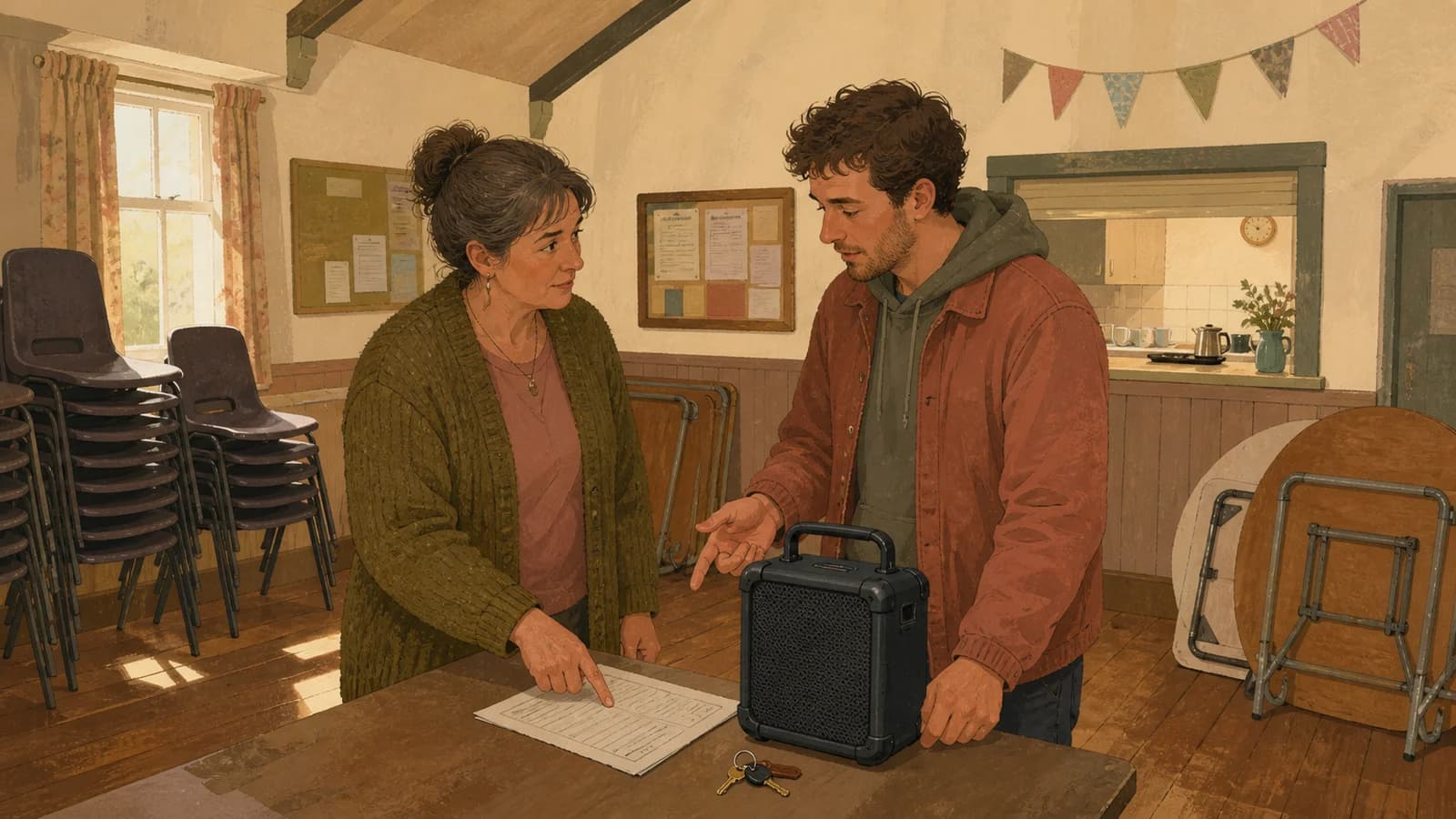
Original Sonosfera illustration; the people and workplace are fictional and are not customers or endorsers.
Build a shift-based audible-area register
| Shift | Area | Source/device | People who can hear | Stop or quiet trigger | Owner |
|---|---|---|---|---|---|
| Early | Canteen | Approved shared player | Record actual count | Team briefing | Shift lead |
| Day | Packing area | None or approved source | Record actual count | Instructions or alarms | Operations |
| Late | Warehouse floor | Site decision | Record actual count | Vehicle movement rule | Duty manager |
| Any | Office | Separate office source | Record actual count | Calls or meetings | Office lead |
Do not estimate the whole headcount if only one room can hear music. Equally, do not describe a portable radio as “canteen only” without listening from the corridor and work area.
The current PPL PRS factory and warehouse page asks about employees, working days and hours, audible areas, playback devices, and floor, canteen and office use. Use those current inputs for a quote; this worksheet is not a tariff calculator.
Make speech and site rules the override
Do not assume music improves productivity, focus, morale or safety. Use the operating test instead: can people hear the communication their role requires, and does shared playback comply with the site's risk assessment and procedures?
Write the stop trigger in plain language:
- off during team briefings;
- off where a site rule prohibits shared audio;
- off when an instruction or announcement cannot be heard clearly;
- off during an incident or drill;
- off when the named duty manager requests it.
Do not claim a streaming service is a safety system. It is not.
Keep personal radios and phones visible in the inventory
A staff member bringing a radio or phone onto a shift changes the source even if management did not install it. Decide whether personal devices are allowed, where they may be audible and who enforces the policy. Keep office and desk-area decisions as separate rows, because a factory floor needs its own site rules.
Where Sonosfera fits
For an approved low-risk shared area such as a canteen, reception or office, Sonosfera's current product lists one independent stream per zone, morning/afternoon/evening scheduling and phone control of zone vibe and volume. That can make the authorised source and owner easier to identify.
It does not assess hazards, control alarms, duck automatically for announcements or cover radio, consumer apps, live music and uploaded files. Keep each outside source separate. For a staffed canteen, the café background-music guide can help with dining-area atmosphere; it does not set factory-floor rules. Check current UK plans only after the site has decided which areas may use background music.
Prepare the quote pack
Before contacting a licensing body, collect:
- the current floor plan;
- actual audible areas by shift;
- employee counts for those areas;
- working days and hours;
- every playback device and source;
- office, canteen and telephone uses;
- the effective date of the inventory.
Store the response beside the register and update it after a layout, headcount, shift or source change.
Should every shift use the same playlist?
Not automatically. Start with whether shared music is permitted and audible without obstructing the work. Taste comes after the room and communication needs.