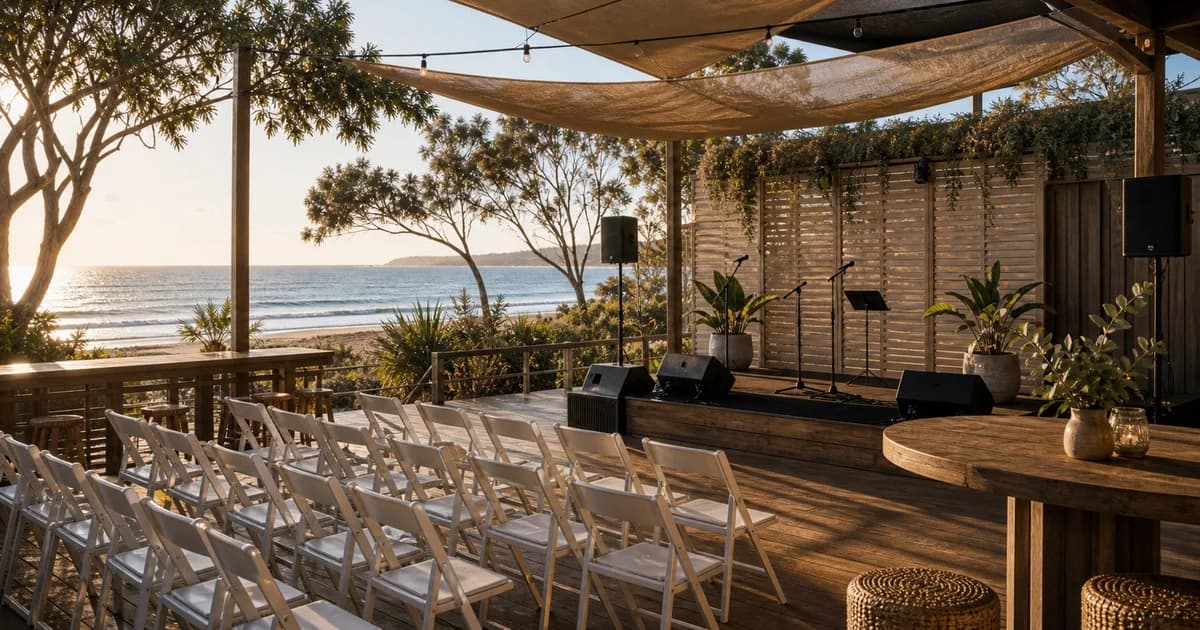
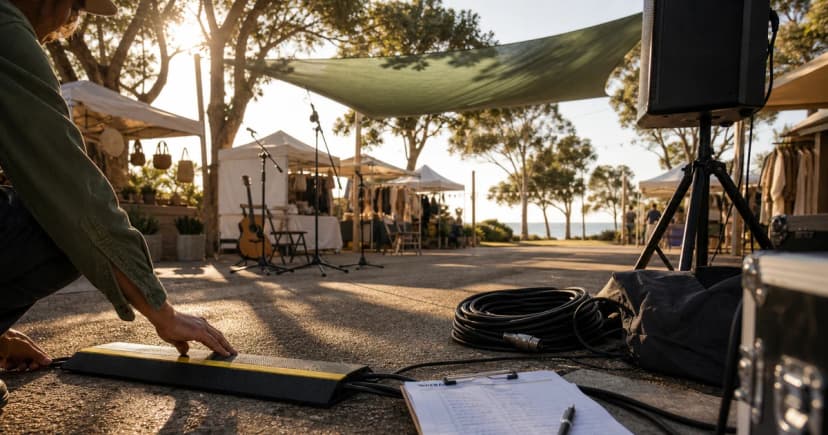
Use Sonosfera for eligible catalogue background playback in Australia, then keep DJs, live music, radio, uploaded tracks, venue terms, and local permissions in their own checks.
Sonosfera was started by a salon operator who got caught out by PPL/PRS licensing letters and built the music platform they wished existed. The team behind this blog has spent years inside hair and beauty businesses, clinics, and hospitality venues — booking the bills, dealing with the licensing letters, and learning the hard way that most Spotify playlists don't work for a professional environment.
maker market musicMaker market music in Australia: OneMusic checks before the stalls openevent background musicshort term music licencetemporary event musicshort-term musicmusic licensing
Maker market music in Australia: OneMusic checks before the stalls open
Maker market music is not just a playlist choice. For a short-term market, craft-fair, and stallholder setup in Australia, the useful first question is who controls the music source, where the music is audible, and which permission route applies to that exact use. The answer can change when a venue supplies the sound system, a trader brings a speaker, a DJ plays mainstream tracks, or the organiser uses a catalogue-specific service such as Sonosfera.
This guide is written from the source pack for Maker market music in Australia: OneMusic checks before the stalls open. It uses real DataForSEO demand evidence, the official sources listed below, and the product limits in Sonosfera's short-term event pages. It is informational, not legal advice. Before opening the room, field, market, bar, hall, or stand, confirm your own event setup with the relevant official body, venue, and suppliers.
TL;DR: For maker market music, separate background music from DJs, live music, radio, uploaded files, personal streaming, and filmed reveal moments. Check OneMusic events scheme, OneMusic Event Licences PDF for local public-performance obligations, use Sonosfera only for eligible playback of the Sonosfera catalogue in supported commercial settings, and keep written records before the event starts.
Start with the music source, not the speaker
Most event teams start with the speaker: a PA in the corner, the venue's ceiling system, a stallholder's Bluetooth box, or a laptop at registration. That is the wrong first step. The more useful starting point is the music source.
A speaker is only hardware. The source might be a venue subscription, a DJ library, a radio broadcast, a personal streaming account, a live act, a sponsor video, a mainstream playlist, or Sonosfera catalogue playback. Those routes do not carry the same permission assumptions. A venue may have one arrangement for its own day-to-day background music, while an organiser-controlled product launch, fundraiser, street-food event, or market may need its own check.
Write the sources down before setup. If a supplier says "the venue has it covered", ask what "it" means. Does it cover your event date, your rooms or outdoor areas, your event type, your ticketing or commercial purpose, the catalogue being played, and the person controlling playback? If the answer is vague, treat it as unresolved until the venue or licensing body confirms it.
The practical checklist for this event type
For Maker market music in Australia, use a short checklist before doors open:
decide whether sound is controlled by the organiser, the venue, or individual stallholders
set stallholder rules before load-in so personal playlists do not appear unexpectedly
separate seasonal entertainment, buskers, PA announcements, and background music zones
name one person who owns music decisions before setup starts
write down every music source: house system, stallholder speaker, DJ, live act, radio, personal playlist, uploaded file, and Sonosfera catalogue playback
separate background atmosphere from featured performances, reveal cues, walk-ons, or filmed content
keep venue emails, licence receipts, service records, and speaker-zone notes in one folder
That list is intentionally operational. It gives the organiser a way to stop last-minute improvisation. If music is left until doors open, someone usually solves the silence with a personal phone, an unapproved playlist, or whatever is already plugged into the venue system. That is when compliance and brand control drift.
For event background music, keep the music brief short enough that staff and vendors can follow it. Name the approved source, the person allowed to change it, the areas where it can be heard, and the sources that are not covered by the plan.
What to verify with official sources
The source pack points readers to OneMusic events scheme, OneMusic Event Licences PDF. Use those sources for the current rules and forms instead of relying on copied tariff snippets or old forum answers. Fees, form names, venue categories, and event definitions can change, so this article does not embed mutable tariff amounts.
The key check is scope. A Australia organiser should verify whether the official route applies to the event type, the venue, the audience, the duration, and the music source. If a DJ, live act, stage show, radio feed, uploaded file, or mainstream catalogue is involved, treat that as a separate question. Sonosfera copy should not be used to imply universal cover for sources outside the Sonosfera catalogue.
If the event is free, charitable, small, private, seasonal, or held inside a venue that normally plays music, still check the official route. Those details may affect forms or fees, but they should not be treated as automatic exemptions without written confirmation.
Answers organisers usually need before setup
Can one market organiser music setup cover every stall?
The safest answer is to name an owner in writing. If the organiser controls the programme, the organiser should keep the source records. If the venue controls the music, ask for written confirmation of what is covered for your event. If traders, sponsors, or suppliers can play sound, define their rules before load-in.
What is different about seasonal or holiday market music?
Background music is atmosphere. It supports queues, arrival, browsing, networking, dining, or low-volume service. Featured entertainment is different: DJ sets, live acts, stage performances, walk-ons, reveal cues, filmed product moments, and sponsor videos can create separate rights questions. Do not let one background-music plan silently expand into all of those uses.
How should organisers separate stallholder audio from site-wide playback?
Start with the official bodies listed in the source pack and the venue contract. Then check the music service or supplier that will actually provide playback. Keep the answers with the event file so staff can prove what was approved.
How Sonosfera can fit a short-term event
Sonosfera can help when the organiser wants controlled, eligible playback of the Sonosfera catalogue in supported commercial settings. It is useful for background areas where the team wants one approved source instead of vendor-by-vendor music choices.
The limit matters. Sonosfera does not cover Spotify, YouTube, radio, DJs, live music, mainstream repertoire outside the Sonosfera catalogue, uploaded files, sponsor videos, or third-party playlists. It also does not replace local event permits, venue permission, alcohol permission, noise rules, or collecting-society checks where those apply. Use the Sonosfera links for the Sonosfera source, and use the official links for the local licensing route.
FAQ
Can the venue's licence cover the whole event?
Sometimes a venue may have relevant permission for its own music use, but organisers should not assume that it covers a third-party event, stallholder speakers, a DJ, a live act, a brand activation, or a filmed product reveal. Ask the venue what is covered for this event, on this date, in these rooms or outdoor zones.
Can vendors or staff use personal streaming accounts?
Do not rely on personal streaming accounts for public event playback. If vendors or staff bring their own music, the organiser loses control of the source and the record trail. Put the permitted source and device rules in the trader or staff brief.
Does Sonosfera replace official local licensing checks?
No. Sonosfera is a catalogue-specific playback route for eligible Sonosfera catalogue use in supported commercial settings. It should sit beside the official event, venue, and collecting-society checks that apply to your event.
Source note
This article uses the short-term-events source pack, DataForSEO evidence paths, and official source links recorded on 2026-06-13. It avoids fixed tariff claims, pass-duration claims, universal licence claims, and exemption claims because those details depend on the exact event setup and can change.