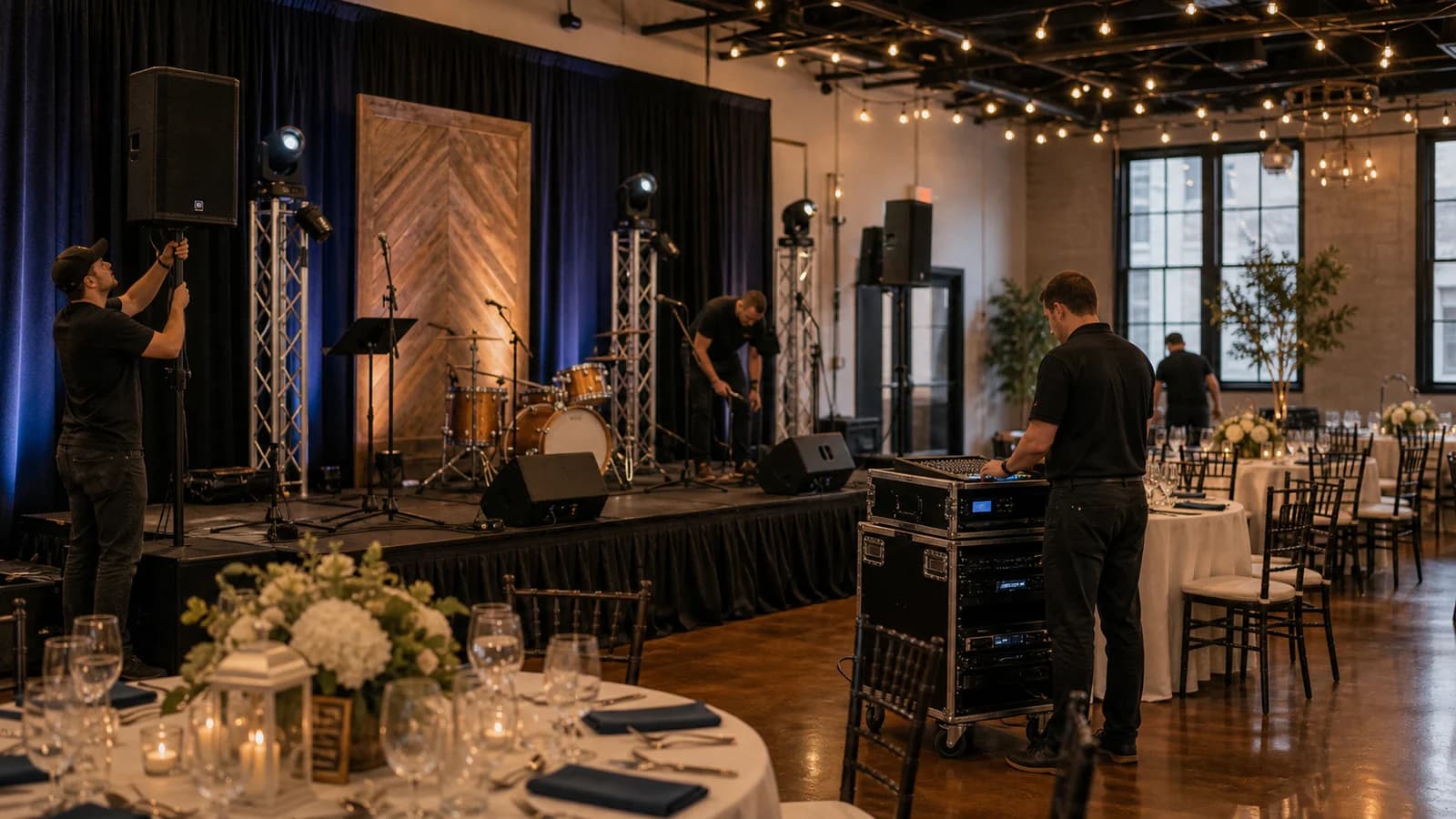
Public performance of recorded music at a US event needs permission from the songwriters' performing rights organizations — usually ASCAP, BMI and SESAC, not just one.
Buying a track or paying for a personal Spotify or Apple Music plan only covers private listening, never public event playback.
The licensing obligation usually falls on the event organiser, not the venue — unless the venue's blanket licence explicitly covers third-party temporary events, in writing.
PRO fees scale with event size, ticketing and duration, so budget for them early and check the current rates on each organisation's official site.
A licensed B2B background-music service can cover catalogue playback in supported settings, but it does not replace permits for live bands, DJ sets or outside playlists.
Use Sonosfera for eligible catalogue background playback in United States, then keep DJs, live music, radio, uploaded tracks, venue terms, and local permissions in their own checks.
Sonosfera was started by a salon operator who got caught out by PPL/PRS licensing letters and built the music platform they wished existed. The team behind this blog has spent years inside hair and beauty businesses, clinics, and hospitality venues — booking the bills, dealing with the licensing letters, and learning the hard way that most Spotify playlists don't work for a professional environment.
Event music license in the US: the ASCAP, BMI and SESAC check organisers miss
By Sonosfera Team
Direct answer: a US one-off event that plays mainstream copyrighted music should not treat an ASCAP licence as universal. ASCAP, BMI, SESAC, and sometimes GMR represent different catalogues, so a broad playlist can need checks across multiple performing-rights organizations unless the venue or provider proves the exact coverage in writing. If you are searching for SESAC license cost, ASCAP license cost, or BMI event fees, do not use a forum estimate: each organization prices by event facts such as audience, ticketing, music use, and duration. If your event only needs controlled Sonosfera catalogue background music, start with music for events and pop-ups, then check the closest short-term page for your format — charity events, markets and craft fairs, or pop-up bars — and verify current US short-term pricing. Keep DJ sets, live music, Spotify, radio, walk-on tracks, and outside playlists separate.
You have booked the space, lined up the vendors, and built the perfect playlist on your phone. Then someone asks the question that stalls more US events than a missing permit: "Are we actually allowed to play that music?" The honest answer is that a personal Spotify or Apple Music account does not give you the right to play music to a paying or public crowd, and the gap is easy to miss until it is too late to fix.
This guide explains the basics of a US event music license — what it is, why ASCAP, BMI and SESAC all matter, and the practical steps to stay compliant for a one-off or temporary event in 2026. It is written for event organisers, market and pop-up hosts, exhibition planners and small-business owners running a single event rather than a permanent venue. It is general information, not legal advice; for a specific event, confirm details with each performing rights organization or a licensing attorney.
Key takeaways for US event music licensing
ASCAP, BMI, SESAC, and GMR are separate public-performance catalogues. One licence does not automatically cover songs represented by another organisation.
The top buyer question is often "ASCAP license cost", but cost is the second step. The first step is identifying whose repertoire you will actually play.
Venue coverage is not enough unless the venue confirms in writing that its licences cover your third-party event and your music use.
Sonosfera can be useful for eligible background playback from the Sonosfera catalogue, but it is not a substitute for outside repertoire, DJ sets, live music, radio, Spotify, or event permits.
Do not hard-code fee estimates in the article or event budget. ASCAP, BMI, SESAC, and GMR pricing depends on the event and should be checked at the source.
Quick route check before you budget
Event music situation
First check
Sonosfera fit
Mainstream playlist from Spotify, Apple Music, radio, or downloaded tracks
ASCAP, BMI, SESAC, and GMR repertoire/licence position
Not covered by Sonosfera
DJ set, live band, walk-on track, or launch reveal
PRO licences plus contract/sync/live-performance checks where relevant
Sonosfera does not clear outside tracks
Market, vendor hall, open day, or exhibition needing background music
Venue licence scope plus event organiser responsibility
A public performance is, in plain terms, music played somewhere open to the public or to a group beyond a normal circle of family and friends. Under Title 17 of the United States Code, the public performance of copyrighted music requires permission from the rights holders. Playing a song to a market crowd, a ticketed exhibition or a pop-up audience counts as a public performance — even if the event is free and even if it only happens once.
This is where most organisers trip up. Buying a track on iTunes or paying for a premium streaming subscription grants a private listening licence. It does not include the public performance rights you need to play that track to a gathered audience. The two are legally separate, and consumer streaming apps are generally built for personal use, not event playback. Check any major consumer platform's terms and you will usually find commercial or public use is excluded.
Permission for the songwriting and composition side of music typically comes through a performing rights organization (PRO) — an industry body that licenses public performance on behalf of songwriters and publishers and distributes the royalties back to them.
Why you usually need ASCAP, BMI and SESAC — not just one
The US has three major PROs, and each represents a different roster of songwriters and publishers:
ASCAP (the American Society of Composers, Authors and Publishers)
BMI (Broadcast Music, Inc.)
SESAC (an invitation-only PRO)
Here is the catch: a single popular playlist can mix writers from multiple rosters. Because you cannot safely assume which PRO controls every song in a commercial radio mix, businesses and event organisers playing a broad selection of popular music often need to check multiple PROs. Picking only one PRO leaves gaps wherever your playlist includes a writer represented by another.
You can review how each organisation handles licensing directly on its official site — for example, the ASCAP licensing FAQ and BMI's licensing pages both explain who needs a licence and how to apply.
One more US-specific edge case: GMR (Global Music Rights) represents a separate public-performance catalogue. If your playlist includes GMR-represented works, ASCAP, BMI and SESAC do not automatically clear that catalogue. This article focuses on the ASCAP/BMI/SESAC query because that is the common organiser search path, but a real event music check should not ignore GMR if mainstream songs are being used.
How a temporary or one-off event licence works
A temporary event music licence grants permission to play copyrighted music for a specific, short-term occasion rather than year-round. Each PRO offers options for single events, and you generally apply directly, supplying details such as expected attendance, whether you charge admission, and how long the event runs.
A few practical points:
Requirements scale with the event. A small, free community market is treated differently from a multi-day ticketed exhibition. Attendance and ticketing usually drive the fee.
"Too small to notice" is not a strategy. Public events leave a visible trail — venue calendars, ticketing pages, social promotion — so an unlicensed event is not as invisible as it feels. The downside risk sits with the organiser.
Apply early. Paperwork takes time, and you do not want to be chasing approvals the week of the event. Start during planning, not load-in.
Because fees depend on the specifics, do not rely on a figure you read in a forum. Check the current rates and event categories directly with each organisation before you budget.
The venue question: who actually holds the licence?
A common assumption is that a rented hall "already covers the music." Sometimes it does — but only if the venue holds a blanket licence that explicitly extends to third-party temporary events. Many do not, and the legal responsibility then falls on the organiser.
Before you sign anything, ask the venue owner one direct question: do you hold current ASCAP, BMI and SESAC blanket licences that cover an outside organiser's temporary event? Get the answer in writing. If the coverage does not clearly include your event, plan to secure permission yourself.
How different one-off formats are treated
"One-off event" covers everything from a two-hour pop-up to a three-day exhibition, and the licensing questions shift slightly with the format. Here is how to think about the common ones.
Pop-up shops and temporary retail. A pop-up that plays music to shoppers is a public performance, the same as a permanent shop — the short lease does not change the obligation. If the space is inside a market hall or shopping centre, ask the landlord the same written-proof question you would ask a venue. For controlled background playback during the pop-up window, see music for events and short-term formats and the pop-up bars page for hospitality-style pop-ups.
Markets, fairs and street festivals. Outdoor and multi-vendor events still count as public performance, and responsibility usually sits with whoever organises the event rather than the individual stallholders — unless a stall runs its own sound. The markets and craft fairs page covers the background-music layer for organisers.
Conferences, trade shows and exhibitions. Walk-in music, session stings, and expo-floor background audio are all public performance. Convention centres sometimes hold blanket licences, but the coverage question is the same: does the venue's licence extend to your event and your music use, in writing?
Fundraisers and charity events. US copyright law contains some narrow exemptions, but they are narrower than most organisers hope, and "it's for charity" is not a blanket exemption for recorded music. Confirm the position with the PROs for your specific format rather than assuming, and see the charity events page for the controlled-catalogue route.
Private parties and weddings. A genuinely private gathering — invitation-only, unadvertised, no admission charge — sits in a different category from a public event. The line is narrower than it looks, though: promote the event publicly or sell tickets and it stops being private. Each PRO publishes its own guidance on private events, so check directly before relying on an exemption.
What if the event is in Canada or Australia?
Different countries have different collecting societies, so a US checklist does not transfer. If you are running events outside the US, start from the country page instead: music for events in Canada or music for events in Australia, and verify the local licensing position with the local authorities those pages point to.
Where a B2B background-music service fits
If your event mainly needs ambient background music — a market, a pop-up, an exhibition floor, a launch — a commercial B2B service can be a simpler path than negotiating playlists song by song. Services like Sonosfera provide a curated catalogue licensed for commercial settings, so the licensing for the tracks in the catalogue is handled for you.
To be clear about the boundaries: a commercial service covers eligible playback of its own catalogue in supported settings. It does not automatically clear a live band's setlist, a DJ playing tracks from outside the catalogue, or a third-party playlist you bring in. For those, you still check the relevant event permissions directly.
Treat music licensing as a planned cost, not an afterthought. A surprise licensing bill days before doors open can eat into a tight event budget, and the alternative — running unlicensed — carries real legal and financial risk.
Put it on the budget early, confirm the venue's coverage in writing, and apply to the PROs (or line up a licensed service) during the planning phase. That single step removes one of the most avoidable headaches in event production.
Frequently asked questions
How do I get a music license for a one-off event?
Contact ASCAP, BMI and SESAC directly to arrange temporary public performance permission, supplying your event's expected attendance, ticketing and duration. For ambient background music, an alternative is a licensed B2B service such as Sonosfera, which covers eligible playback of its catalogue in supported settings — though that does not replace permits for live or outside performances.
Do I really need permission if my event is free?
Usually, yes. US copyright law ties the obligation to public performance, not to whether you charge admission. Playing music to a public crowd or a group beyond family and friends is a public performance regardless of whether tickets are sold, so a free market or open pop-up can still need a licence.
Can I just use my personal Spotify or Apple Music account?
No. A personal streaming subscription is a private listening licence and consumer platforms generally exclude public or commercial use in their terms. Using a personal account at a public event does not grant the public performance rights you need.
How much do SESAC, ASCAP and BMI event licenses cost?
There is no single flat SESAC license cost, ASCAP license cost, or BMI fee that fits every one-off event. Fees can scale with event size, ticket pricing, music use, and duration, and each PRO sets its own rates. A small free market and a large ticketed exhibition will be quoted very differently, so check the current rates directly with ASCAP, BMI and SESAC during planning.
Do I need a music license for a pop-up shop or market stall?
Usually, yes, if you play recorded music to the public. A pop-up is a temporary business premises, and a stall running its own speaker is its own sound source — the short duration does not remove the public-performance obligation. Check whether the host venue or event organiser holds coverage that extends to you, in writing, or arrange your own route: PRO permission for outside repertoire, or a licensed catalogue service for event and short-term background music.
How long does it take to get a temporary event license?
Allow weeks rather than days. Each PRO handles applications on its own timeline, and you may need details you only confirm late in planning — attendance, ticketing, duration. Start the paperwork when you book the venue, not when you build the run sheet. If your timeline is too short for PRO paperwork and you only need background music, a licensed catalogue service can be set up faster for eligible playback of its own catalogue.
What happens if I play music at an event without a license?
Unlicensed public performance is copyright infringement, and US law allows courts to award statutory damages per infringed work — see 17 U.S.C. § 504 for the current ranges, which increase for wilful infringement. PROs also actively monitor public events. Do not budget on the assumption that a one-day event is invisible; the exposure usually costs far more than the licence would have.
Audit your venue's existing coverage today, ask for written proof of its PRO licences, and either apply to the relevant PROs or line up a licensed background-music service before doors open. If background music is all you need, start a Sonosfera trial and see whether the catalogue fits your event.